
This started well, became a bit suss and then by 66% through was annoying: Last Call (The Janet Black Mystery Series Book 1) by Libby Kirsch 📚
I read to the end just to see the explanations really.

Fascinating: Who’s eating New Zealand?:
New Zealand produces enough food to feed about 40 million people but given our population is just 5 million, who are these people we’re feeding and what are they eating?
Answer: people in other countries.
NZ exports … 95% of its dairy…
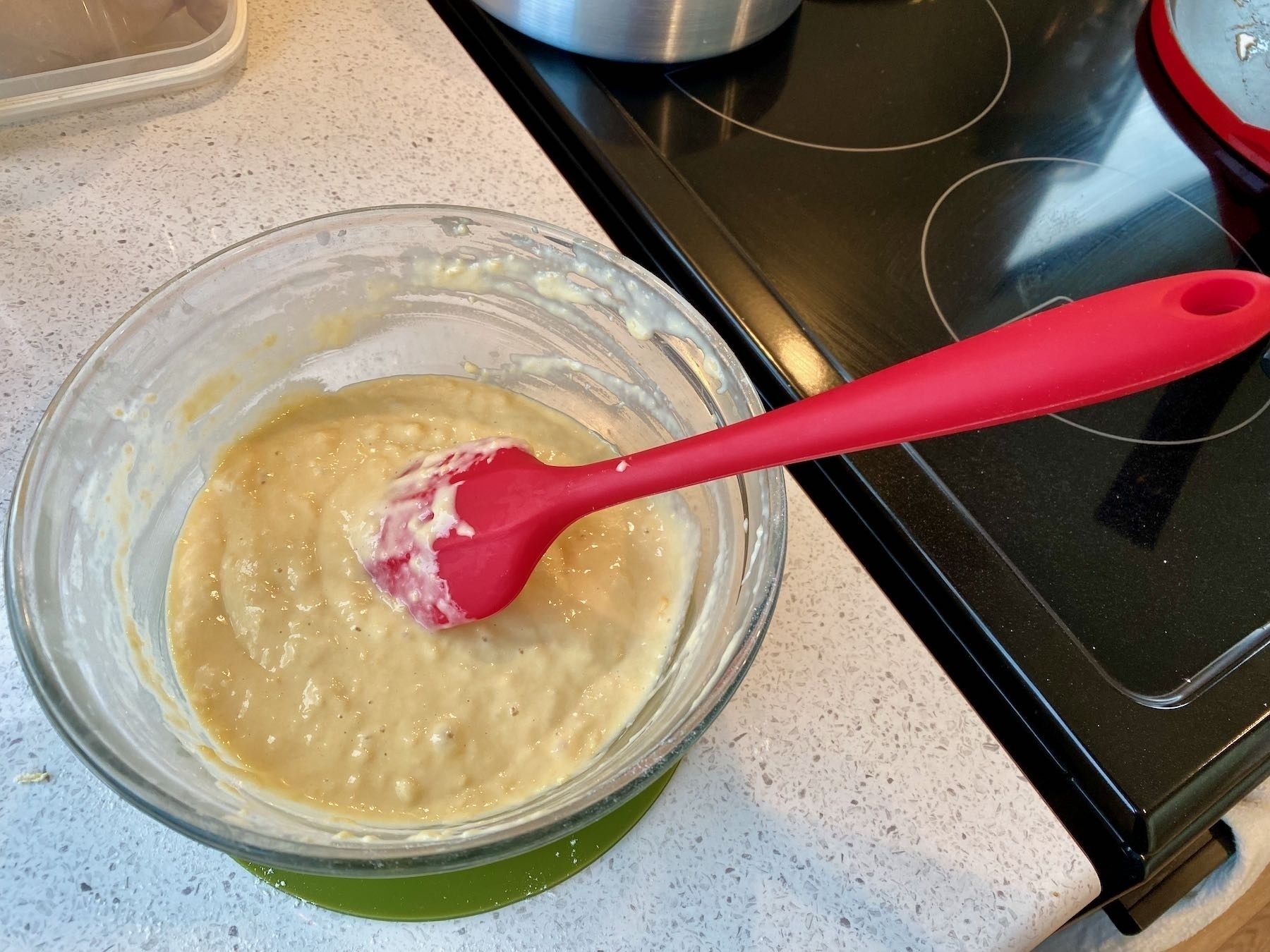
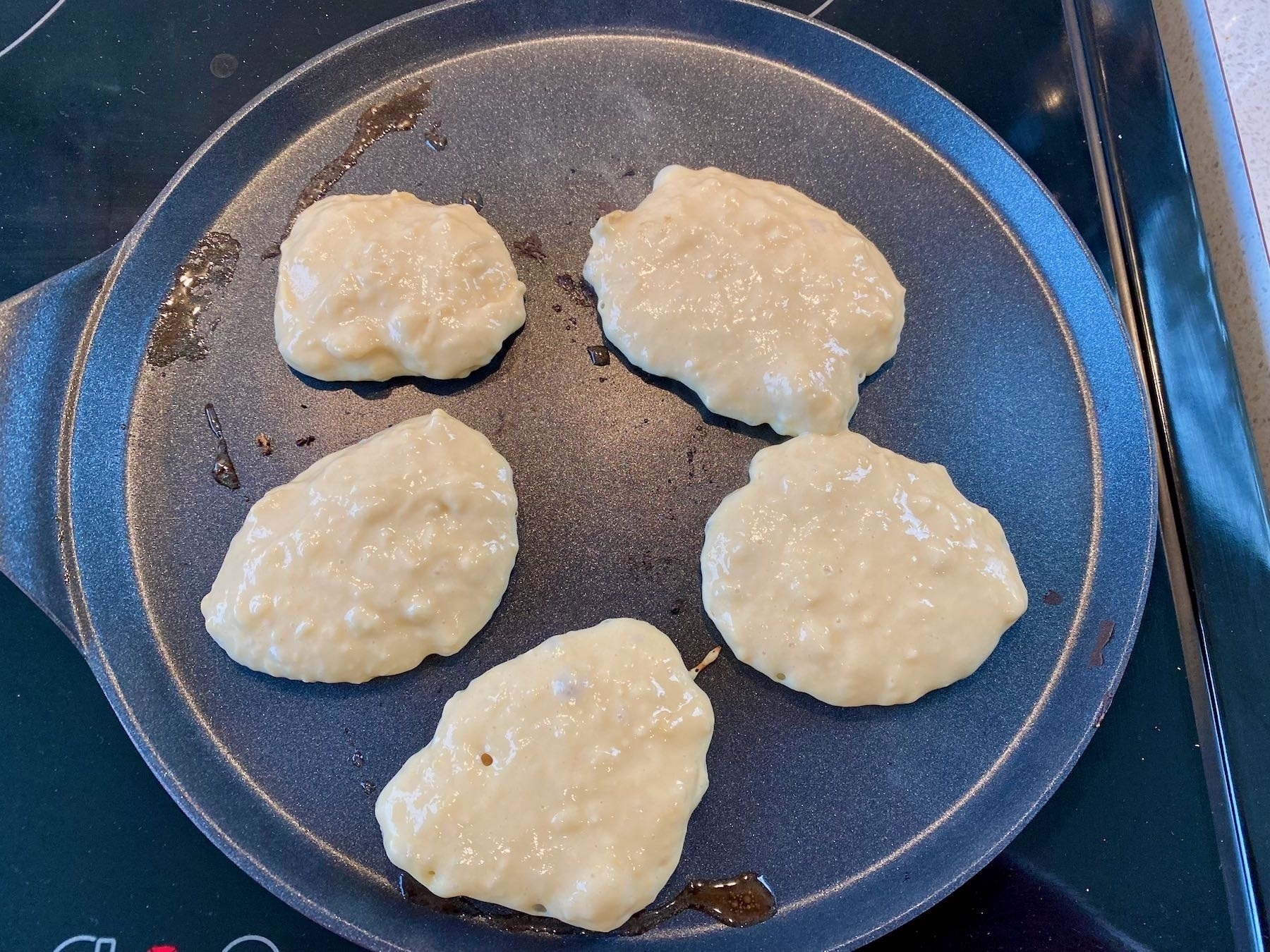
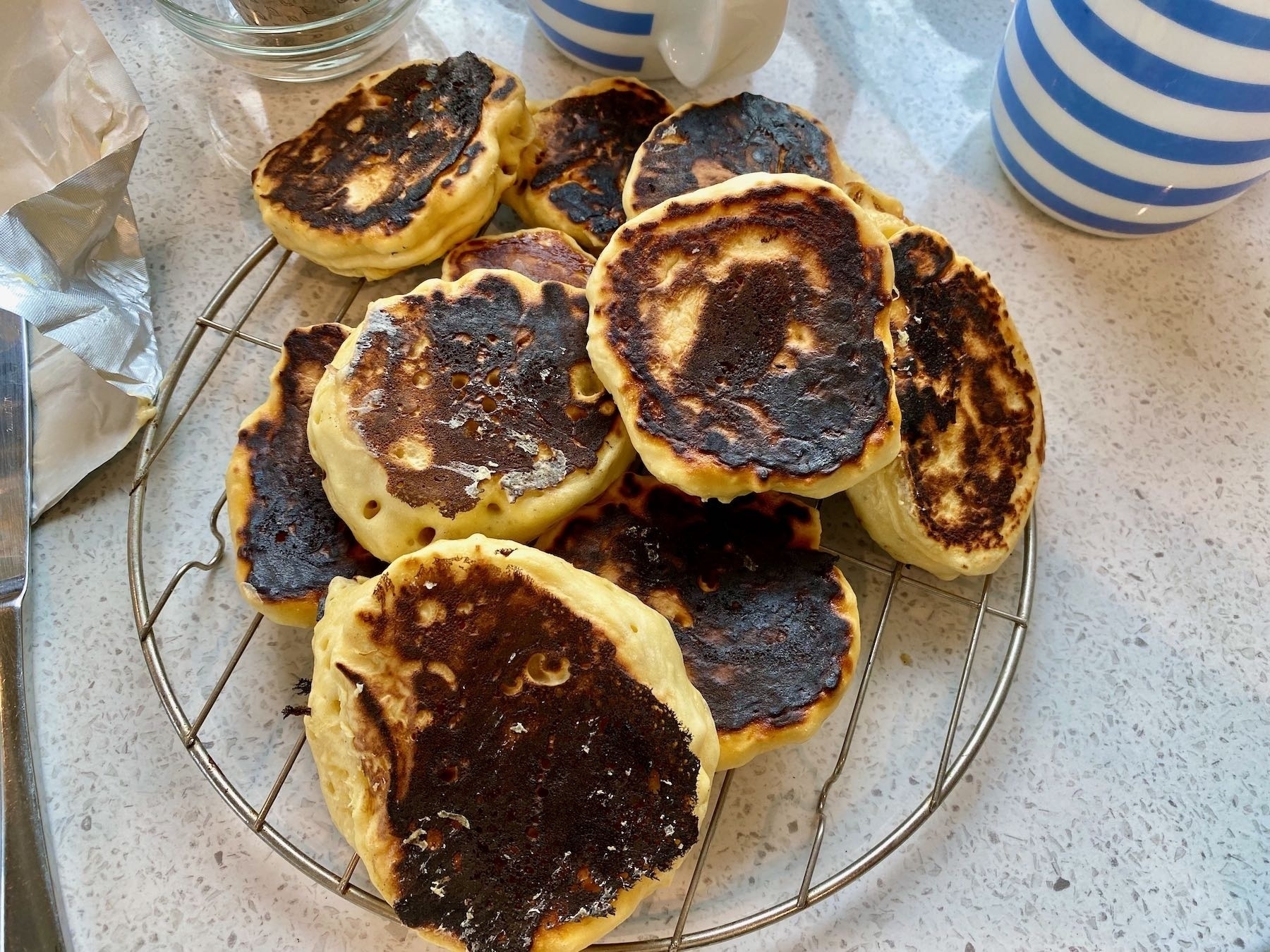
Today’s International Breakfast was Drop Scones/Scotch Pancakes. I had problems — I had the griddle too hot (the recipe didn’t specify) and we had to use way more milk. Also used half the sugar. They were OK but could be better next time. We ate them with butter and jam.
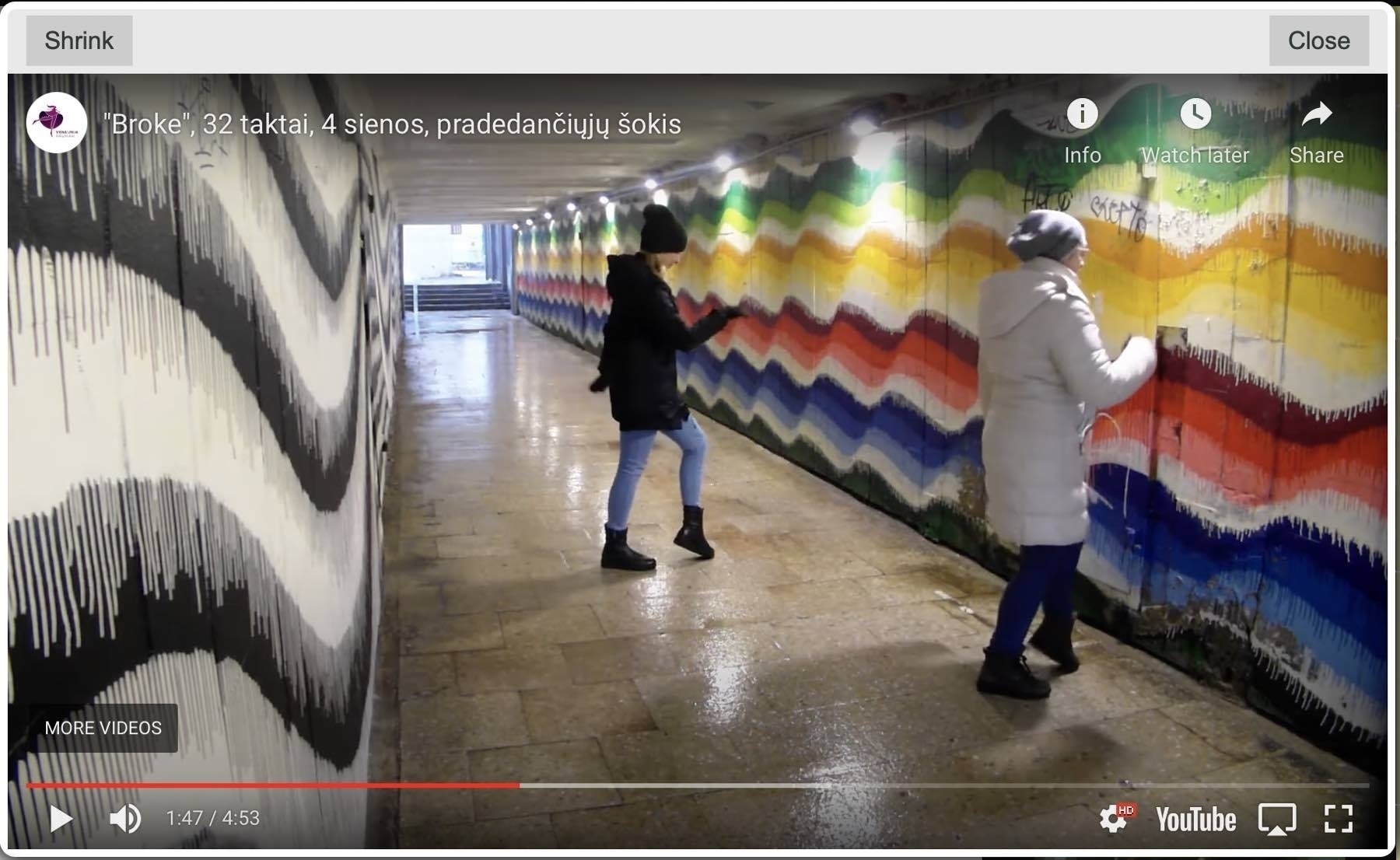
Watching line dance tutorials. I can understand why the instructor wants to face the camera, but then I get very confused: I need to move in the opposite direction. I much prefer the tutorials where they turn their back to me. CopperKnob is a great site.
Someone gave me 18 header images for our community website but at 2400x560 instead of the 1200x280 I needed. I copied all images to a new folder then ran this one Terminal command on the folder. A moment later all were correctly resized.
sips -Z 1200 *.jpg
✔️
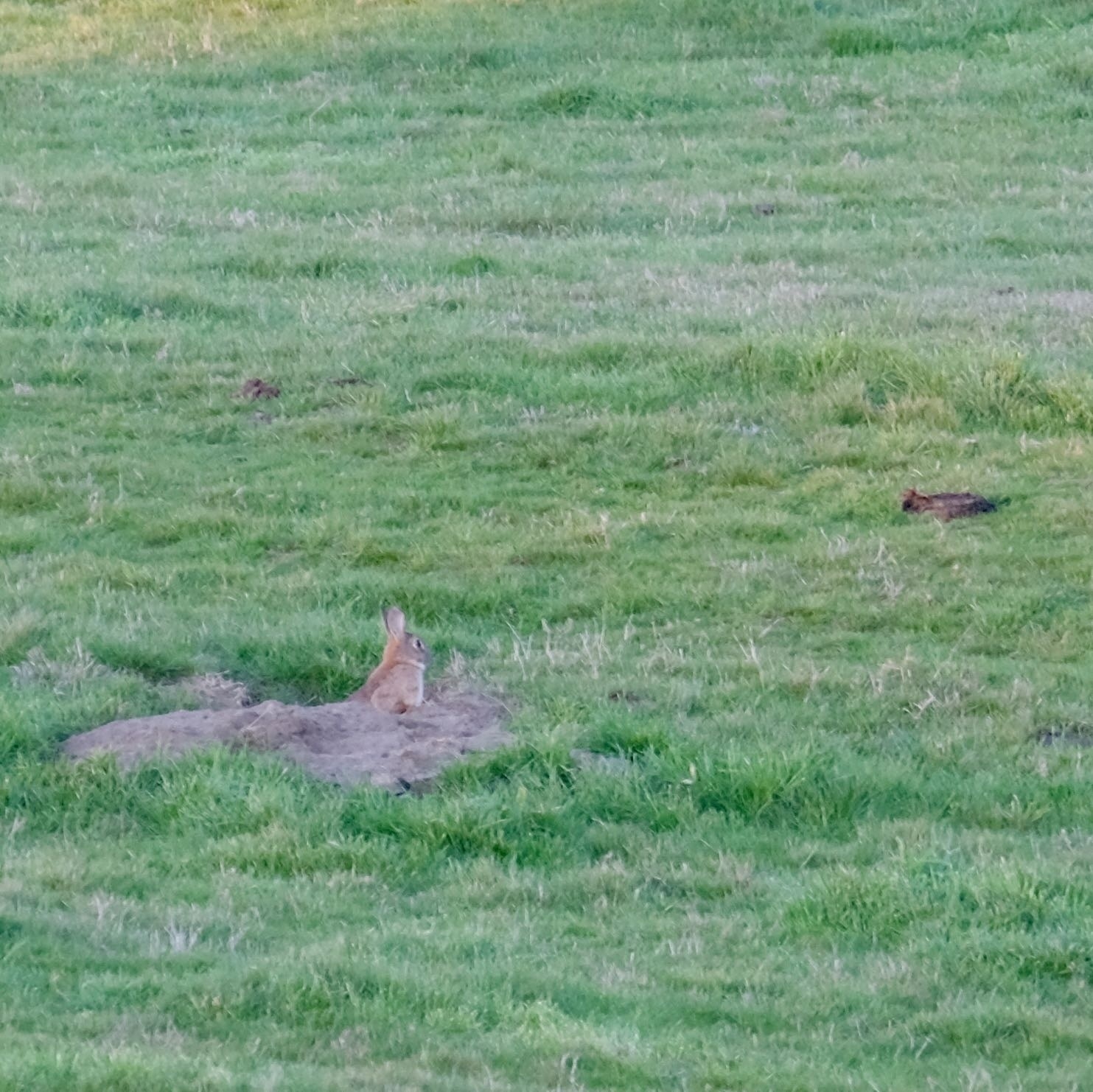
Rabbit ears.
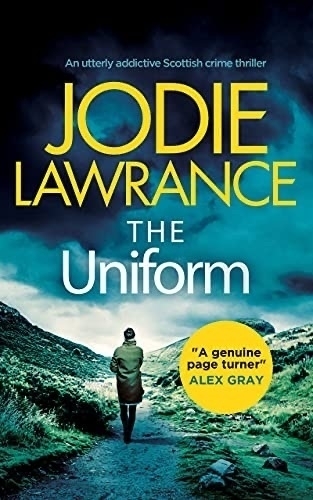
Hmm, I read The Uniform (Detective Helen Carter Book 1) by Jodie Lawrance. 📚
Set in Edinburgh in the 1970s the relentless grimness makes this a bit hard going: every single page contains dirt, grime, overt sexism, smoking, excessive drinking, poverty, tenements, slums, winter…
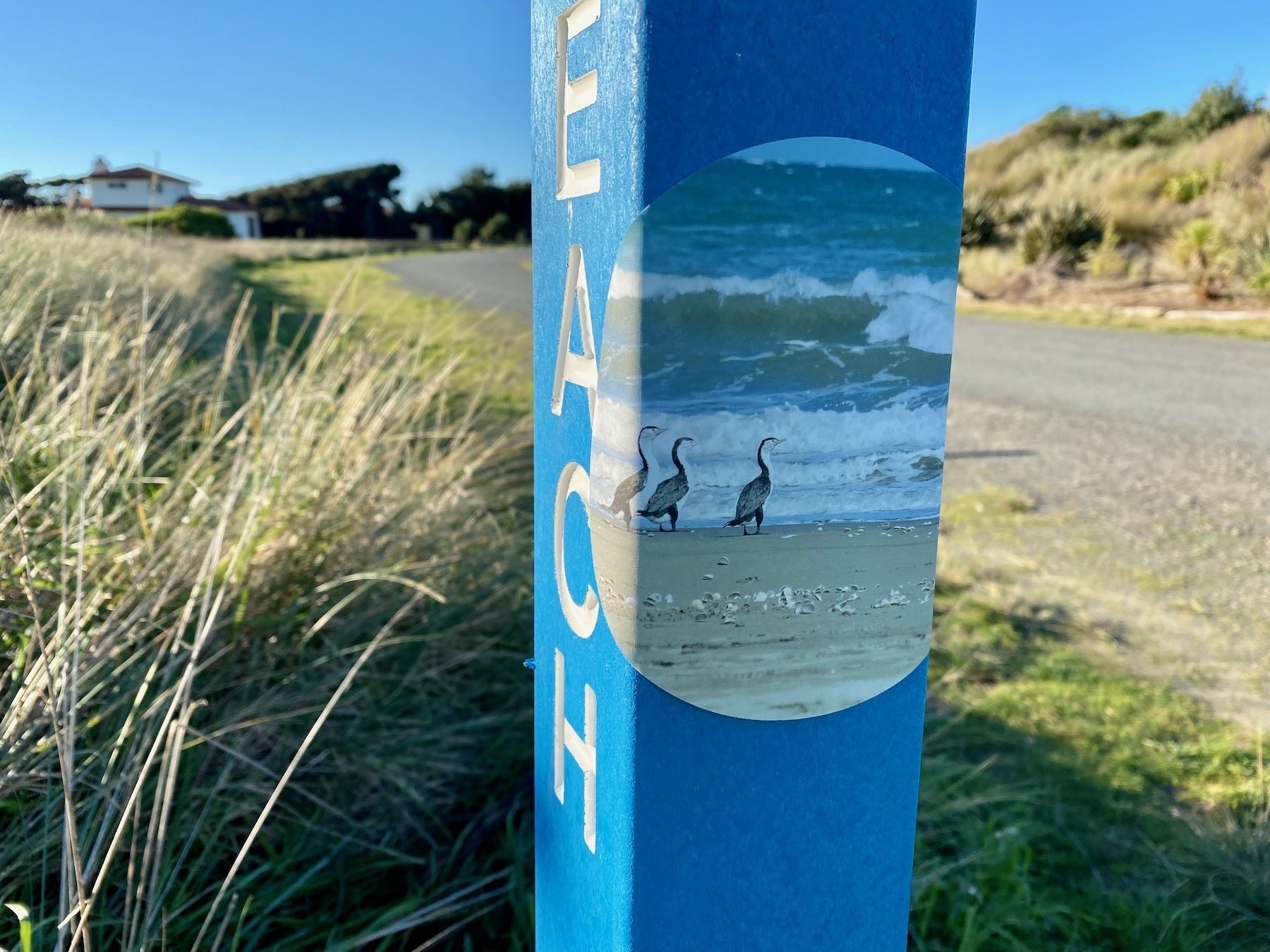
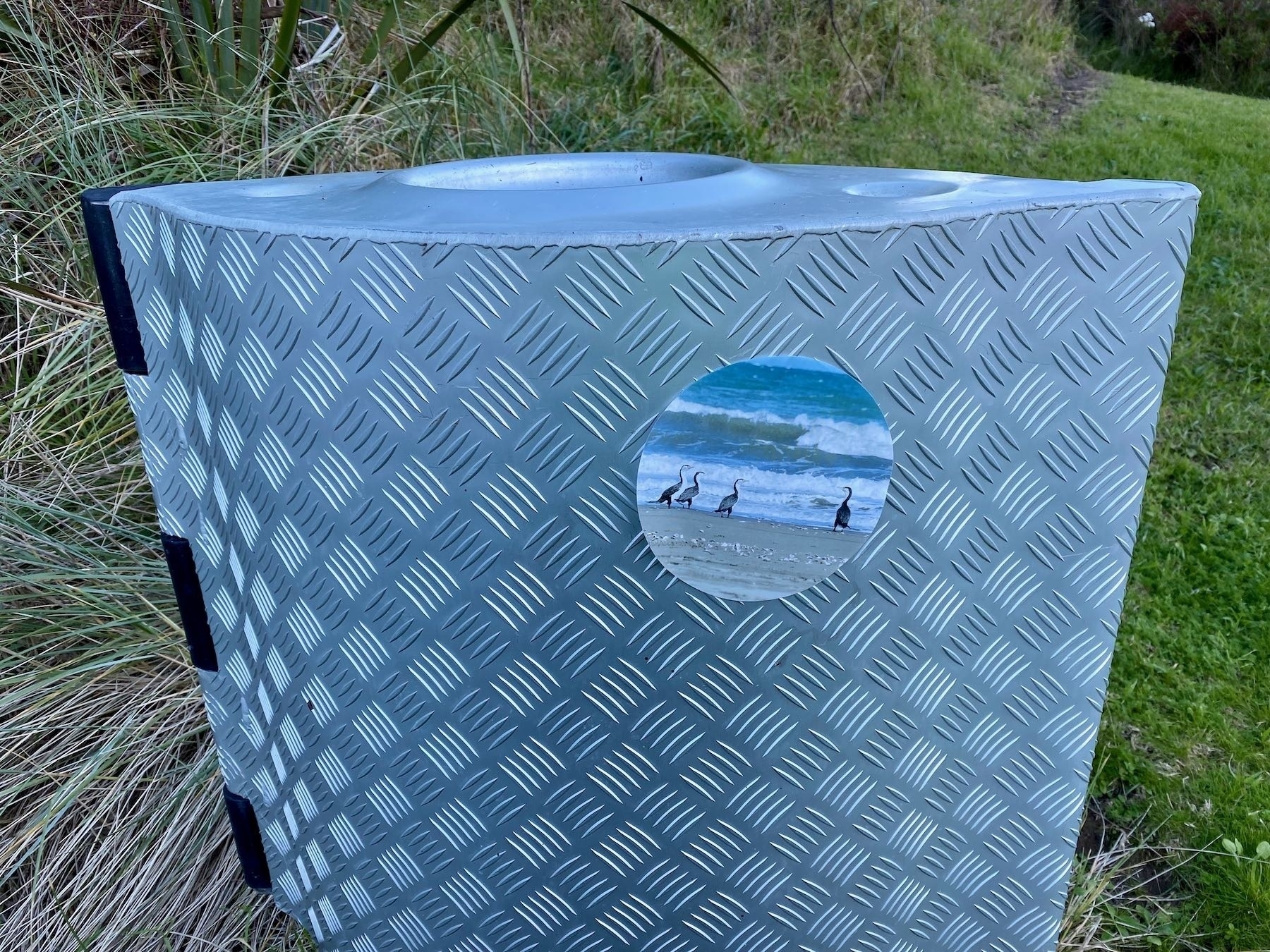
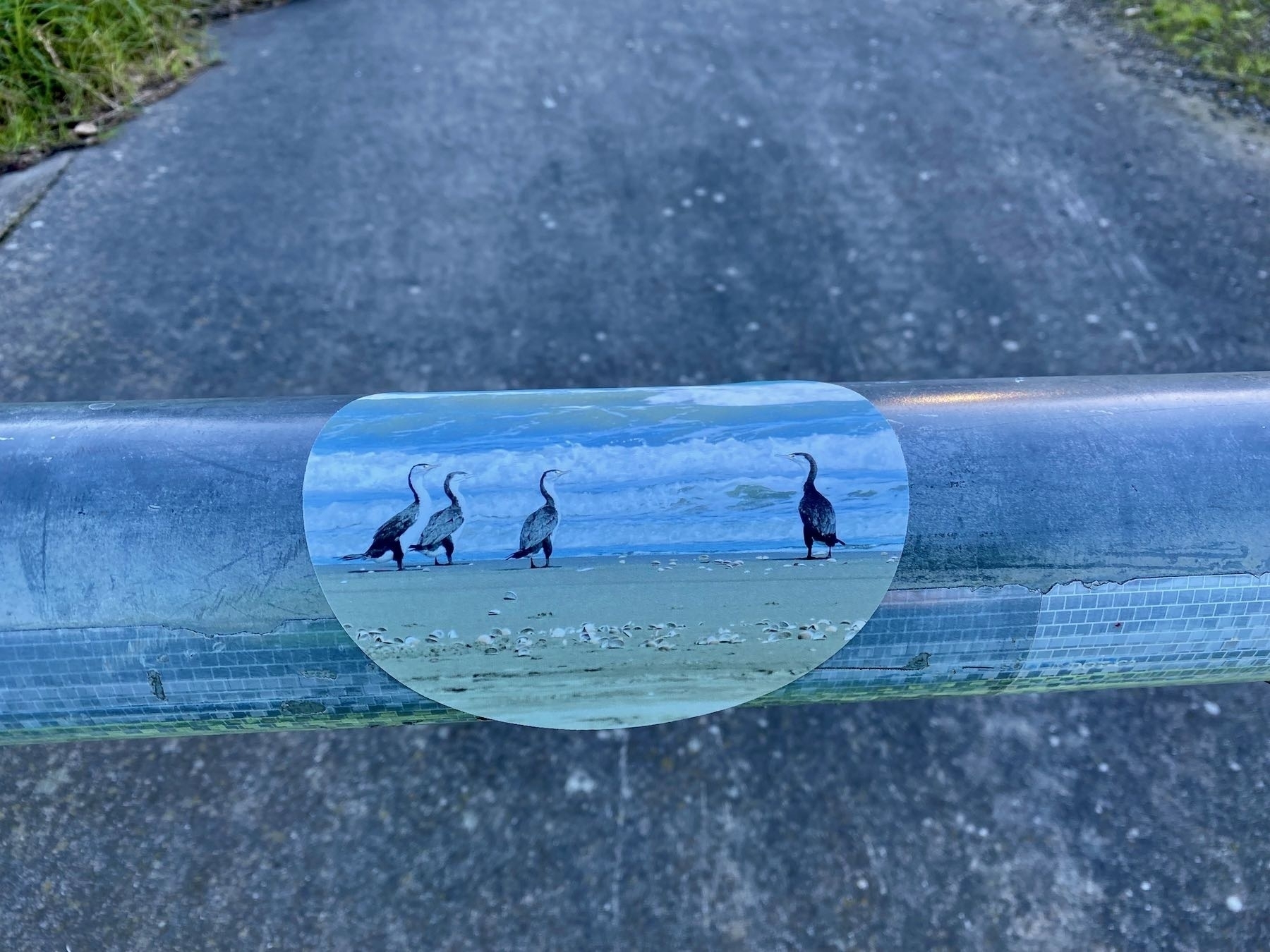
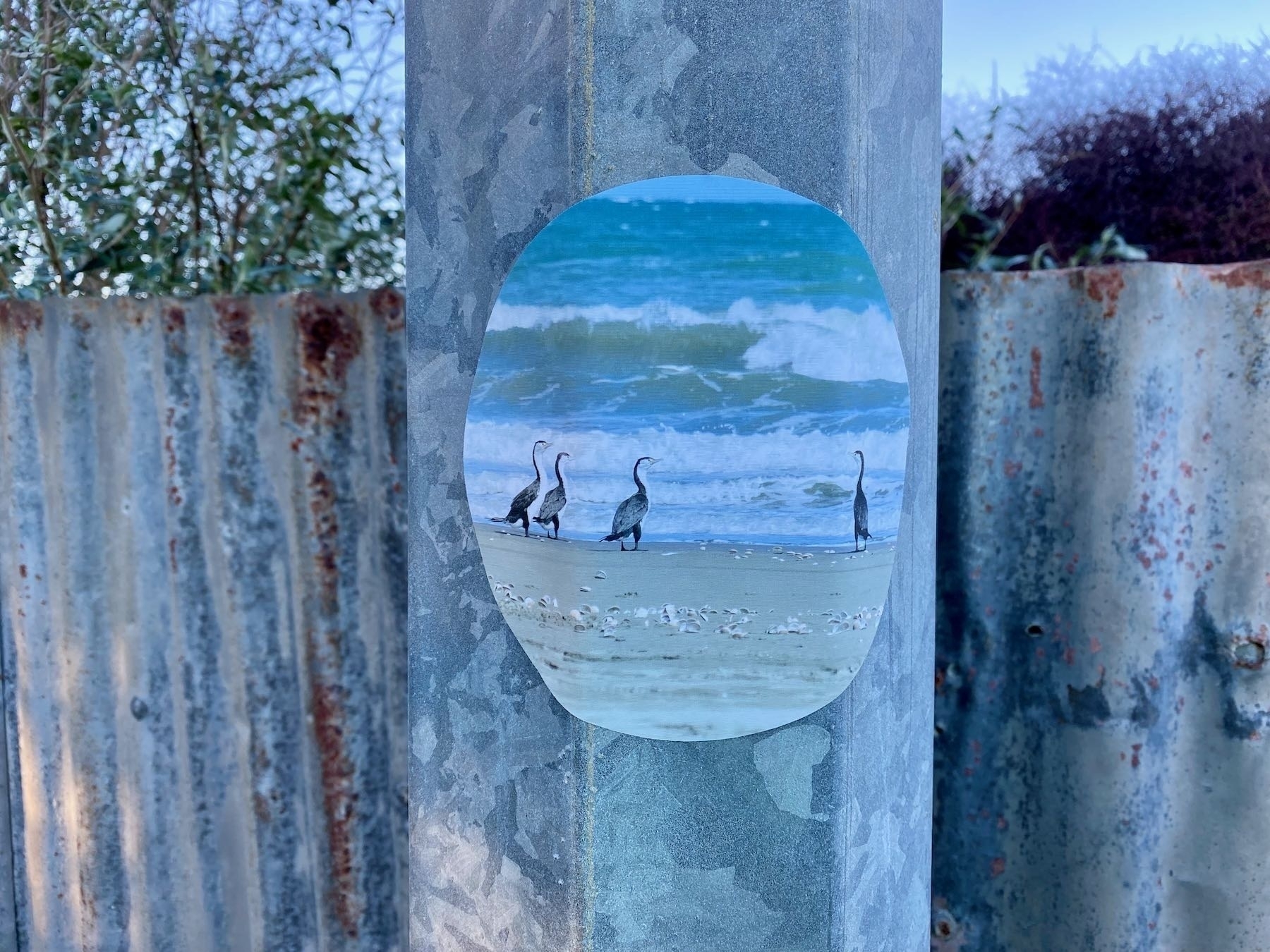
Wall decal dots are very cool — I have several in different sizes on the walls. We’re investigating a community art project for summer that would involve these. Today I took one of mine and roughly tested whether it would stick to a variety of surfaces. It did well!
I enjoyed Lowcountry Box Set (A Liz Talbot Mystery) by Susan M Boyer. 📚
I’m not usually into ghosts but this was an inoffensive plot device much like hacking skillz or martial arts expertise. I skipped a few pages of the hetero-romance gory details too.
Set in South Carolina.

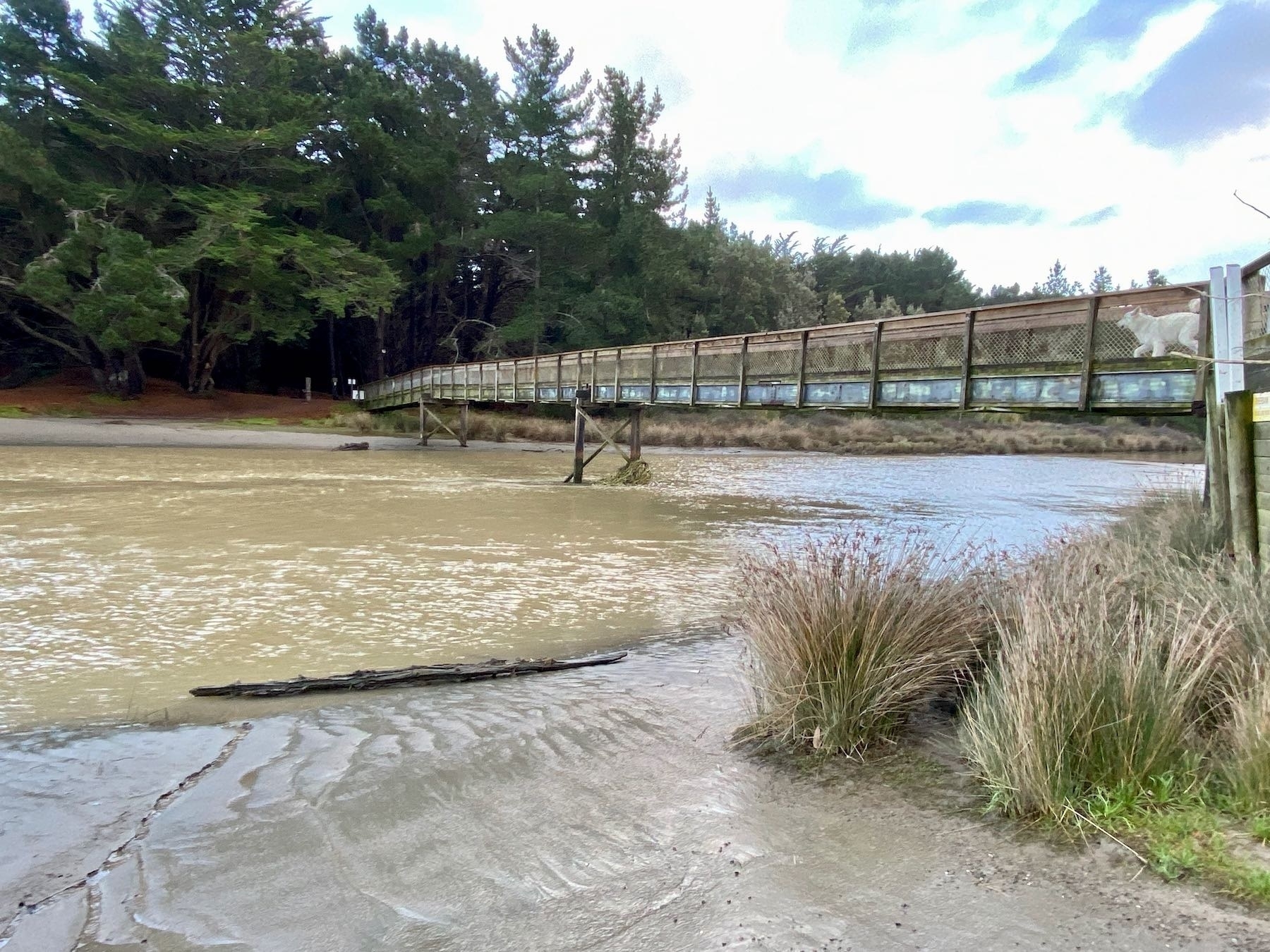
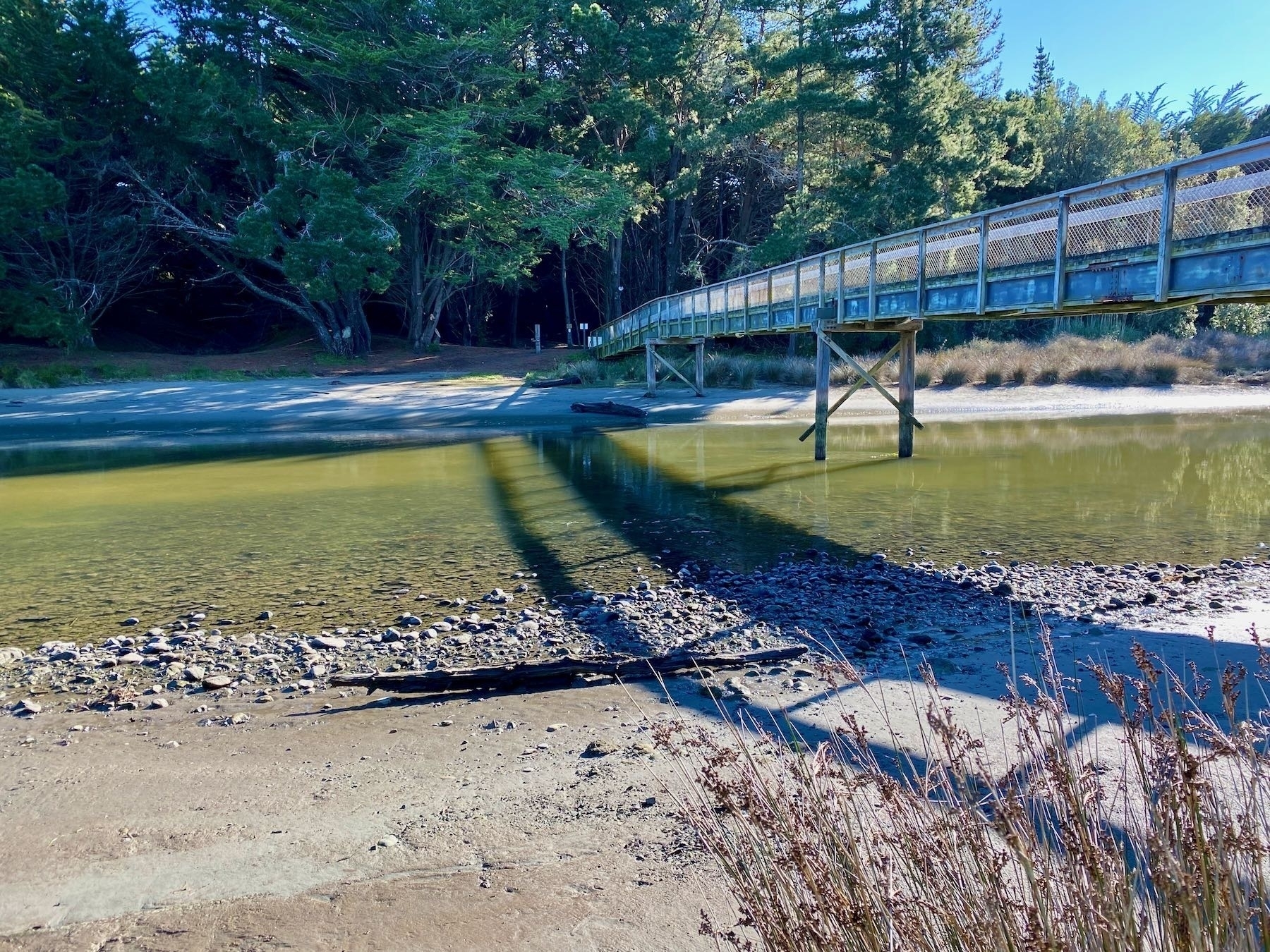
The river at Waikawa Beach was pretty high the other day after loads of rain — it had been higher than this photo shows. Then today it was really really low. Maybe because it broke through the sand bar at the mouth it’s able to flow out more easily?
The little silvereyes sure do love the birdfood! 🐦
In the traditional Māori calendar New Year falls at mid-winter. From next year it’ll be a public holiday:
will celebrate Matariki as a public holiday…, beginning on 24 June 2022. The calendar date … will shift each year to align with the maramataka … always on a Friday.
The frost lingered in shaded spots on the beach, and the track back to the car brought a great view of a snowy peak in the Tararuas.
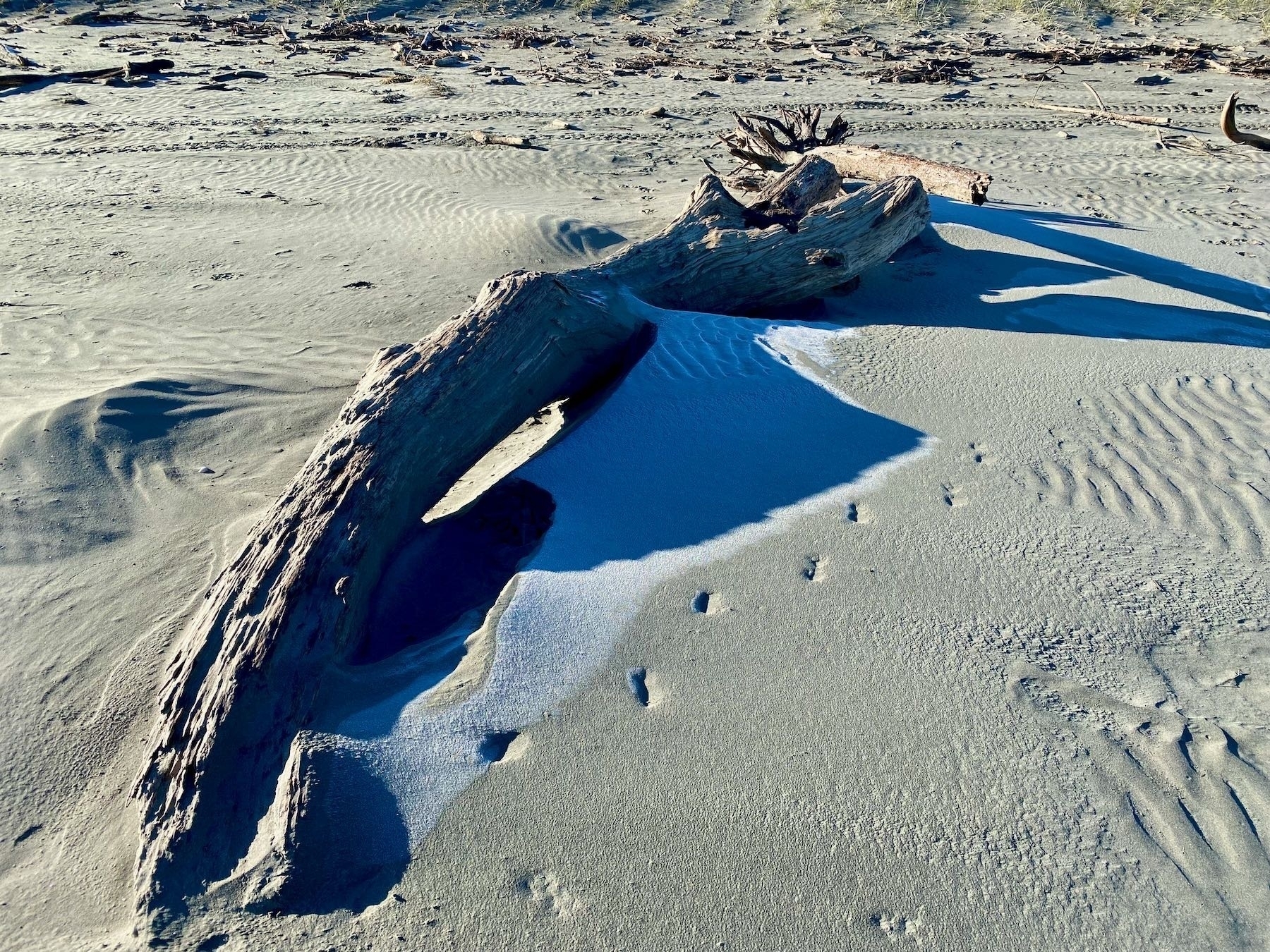
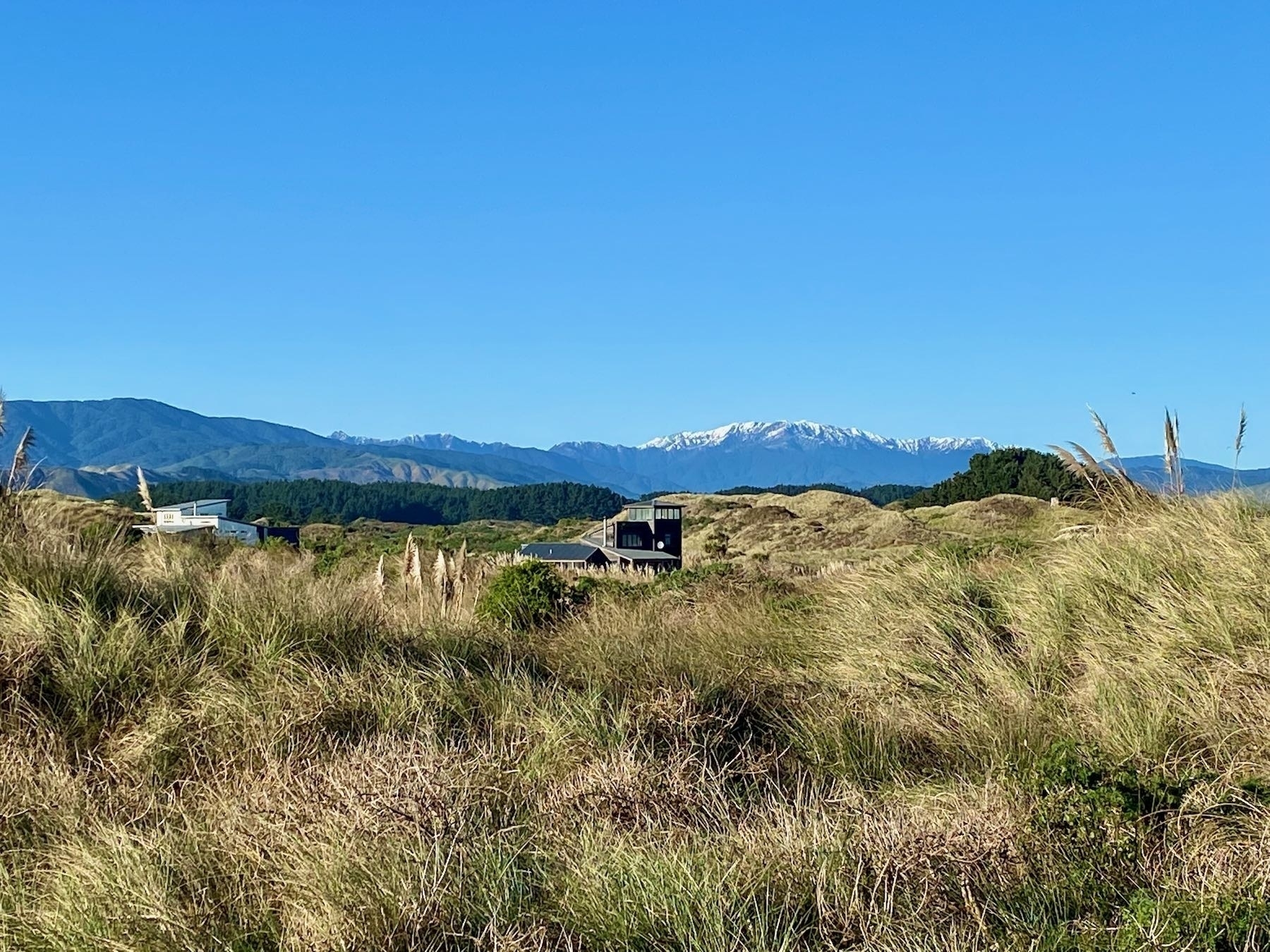
The dogs were right of course! It’s chilly but fabulous down at the beach.
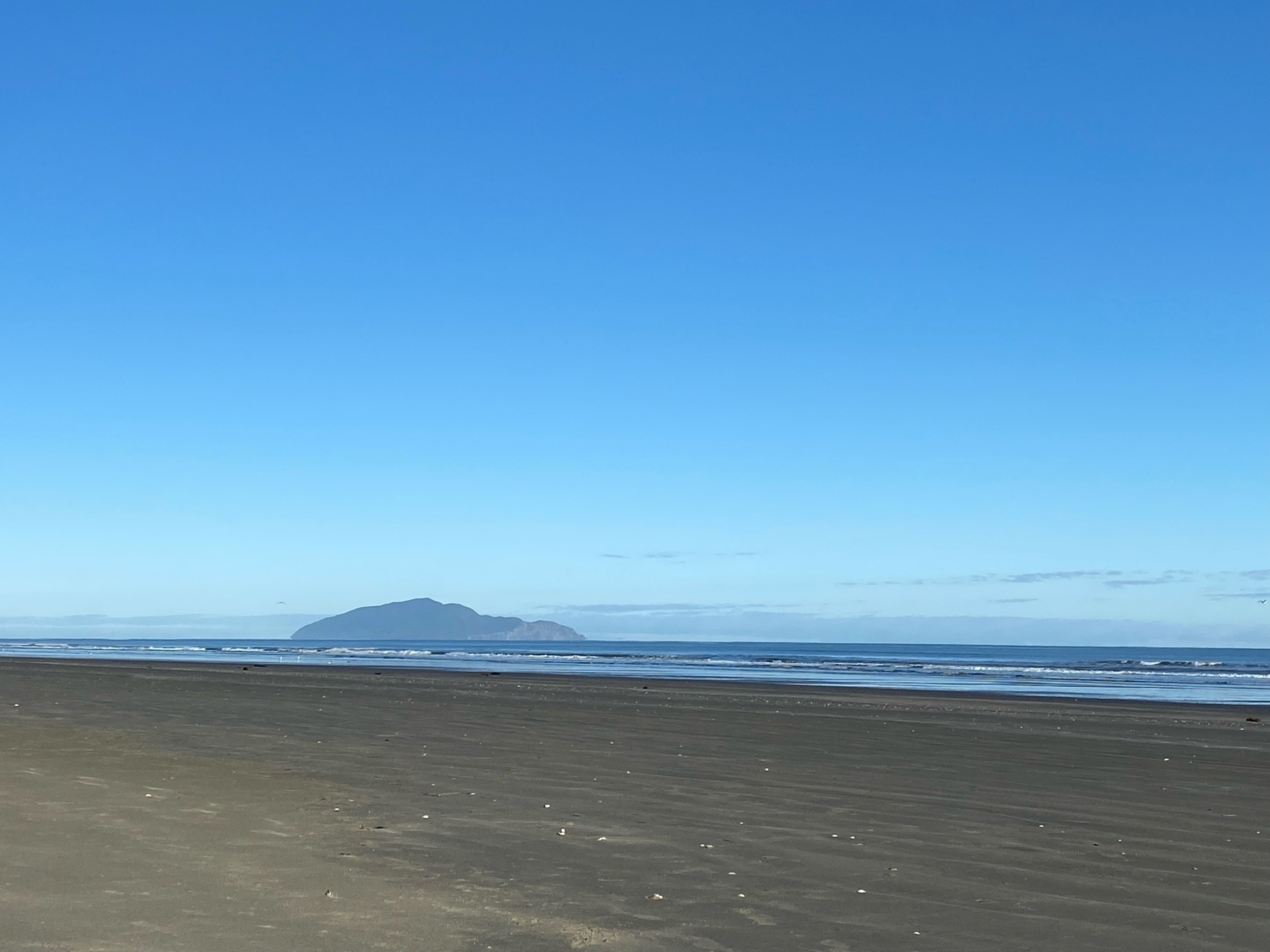
The dogs are giving me their full-strength ‘take us to the beach’ glares even though it’s only 2C at the moment and the ground is mainly still glistening with the overnight frost. I may have to give in… 🐶
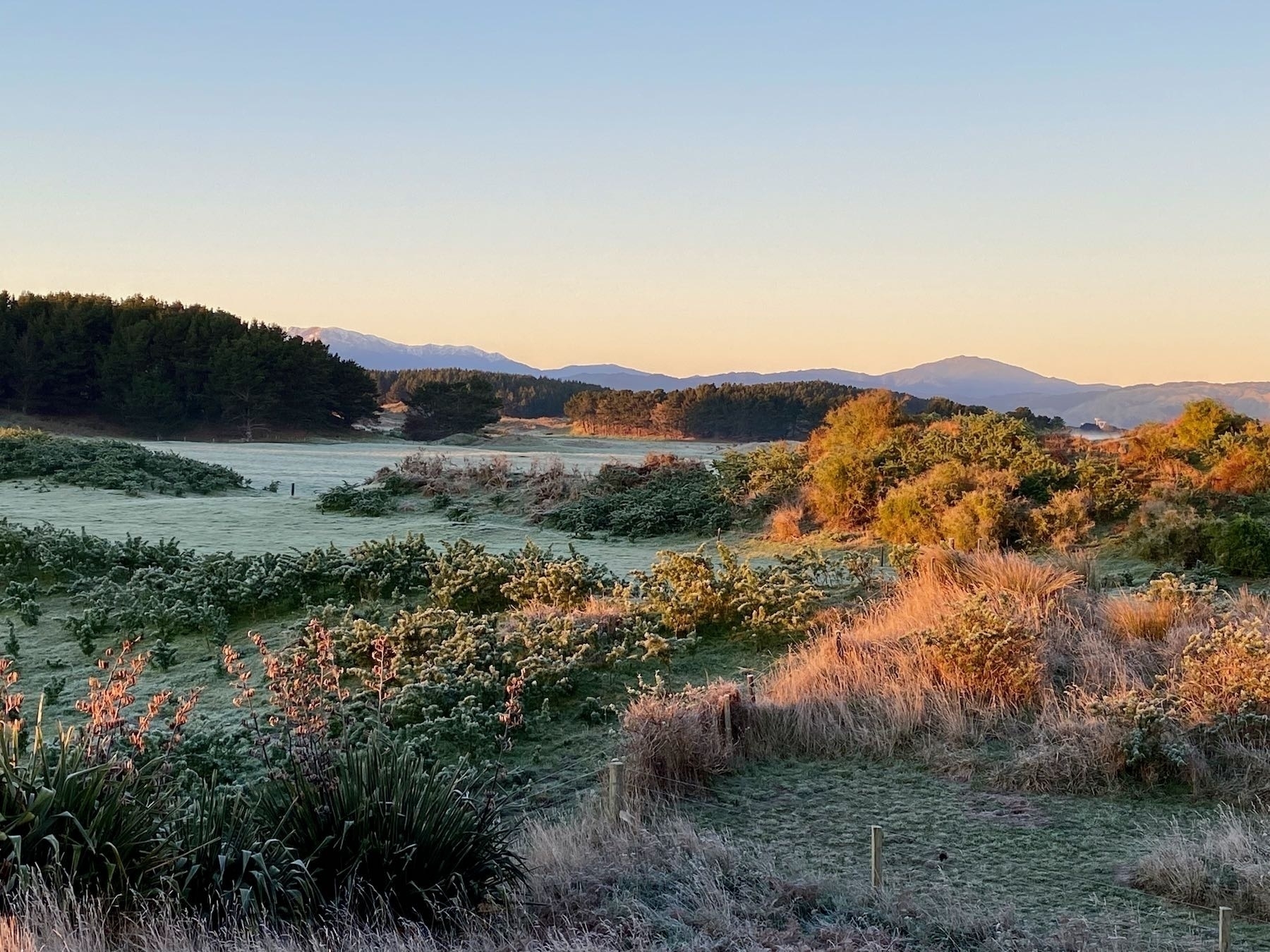
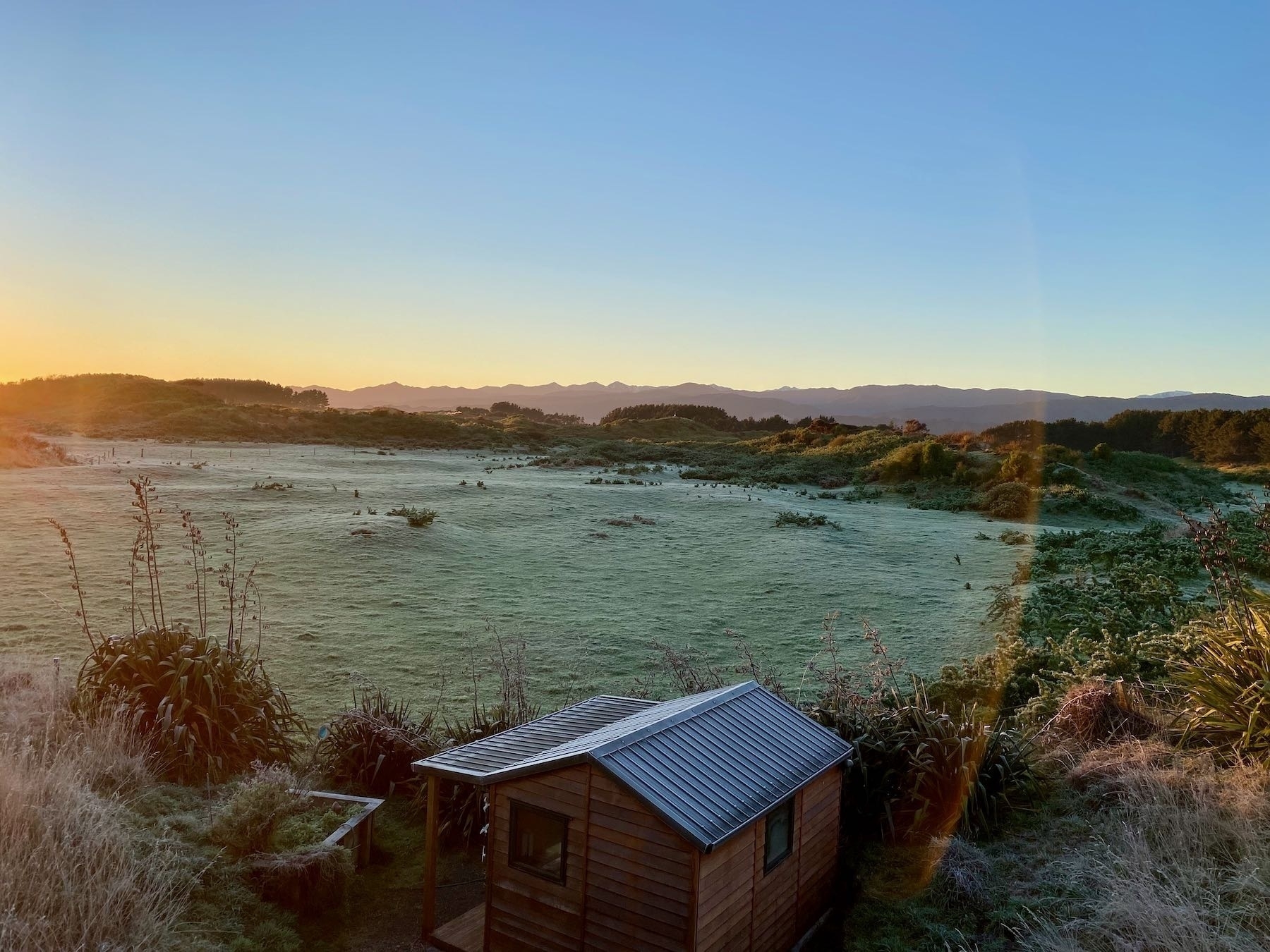
I’m so pleased to be able to say that today I spent some time sitting on the front deck in the sun reading. It’s silent apart from birdsong.
Playing ball with a blind dog on the beach
Sometimes over the years Sasha 🐶 has had fun chasing a ball along the beach. This photo from 2019 shows her chasing a ball I’d rolled for her. She has never really been up to seeing a ball thrown through the air.
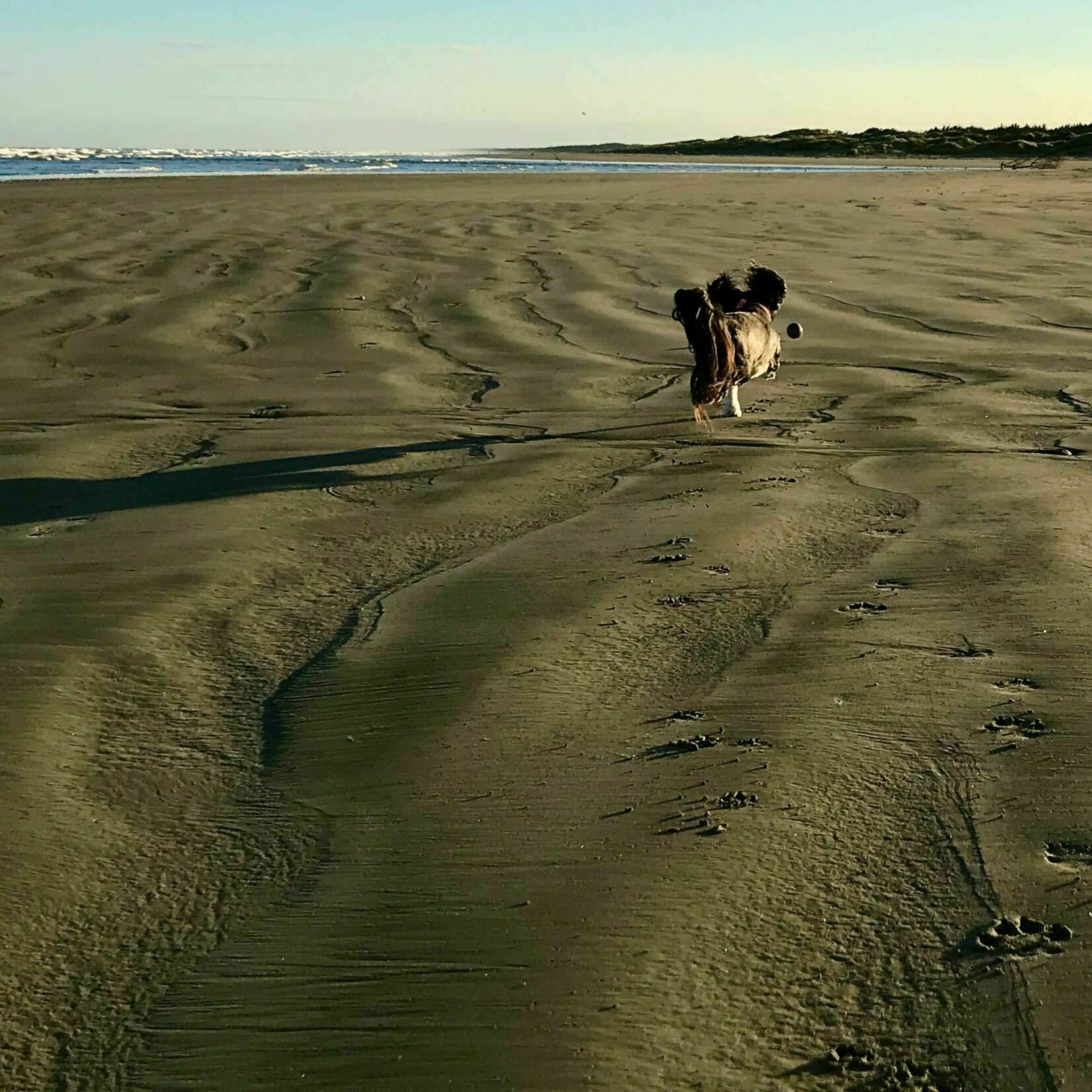
Sasha’s now 141/2 and almost blind. We think she can see some light and dark, maybe.
Today we found a washed up bright yellow tennis ball so I thought she might like to play. It’s been a while …
First I had to look for a flat bit of sand, unimpeded by driftwood. Then I had to make sure Sasha knew what was happening and was looking roughly the right way.
Then I rolled the gently so it didn’t go too far or too fast. Quite often Sasha could see it go by, went chasing after it and caught up to it. Maybe a third of the time she missed.
Then I tried making sure the ball tapped the sand by her ear so she could hear it starting off. A few times I missed and the ‘tap’ was too far back or in front of her.
All up though, I think Sasha really enjoyed having a bit of playtime like this.
Now I’m wondering if there are balls with bells in that could help her track them?
I try not to get too hung up about language change, but the total loss of a perfectly good word upsets me. I don’t want the word ‘fact’ to simply mean ‘information.
False facts mistaken for reality by about half of New Zealanders | RNZ News
A ‘fact’ is true by definition…
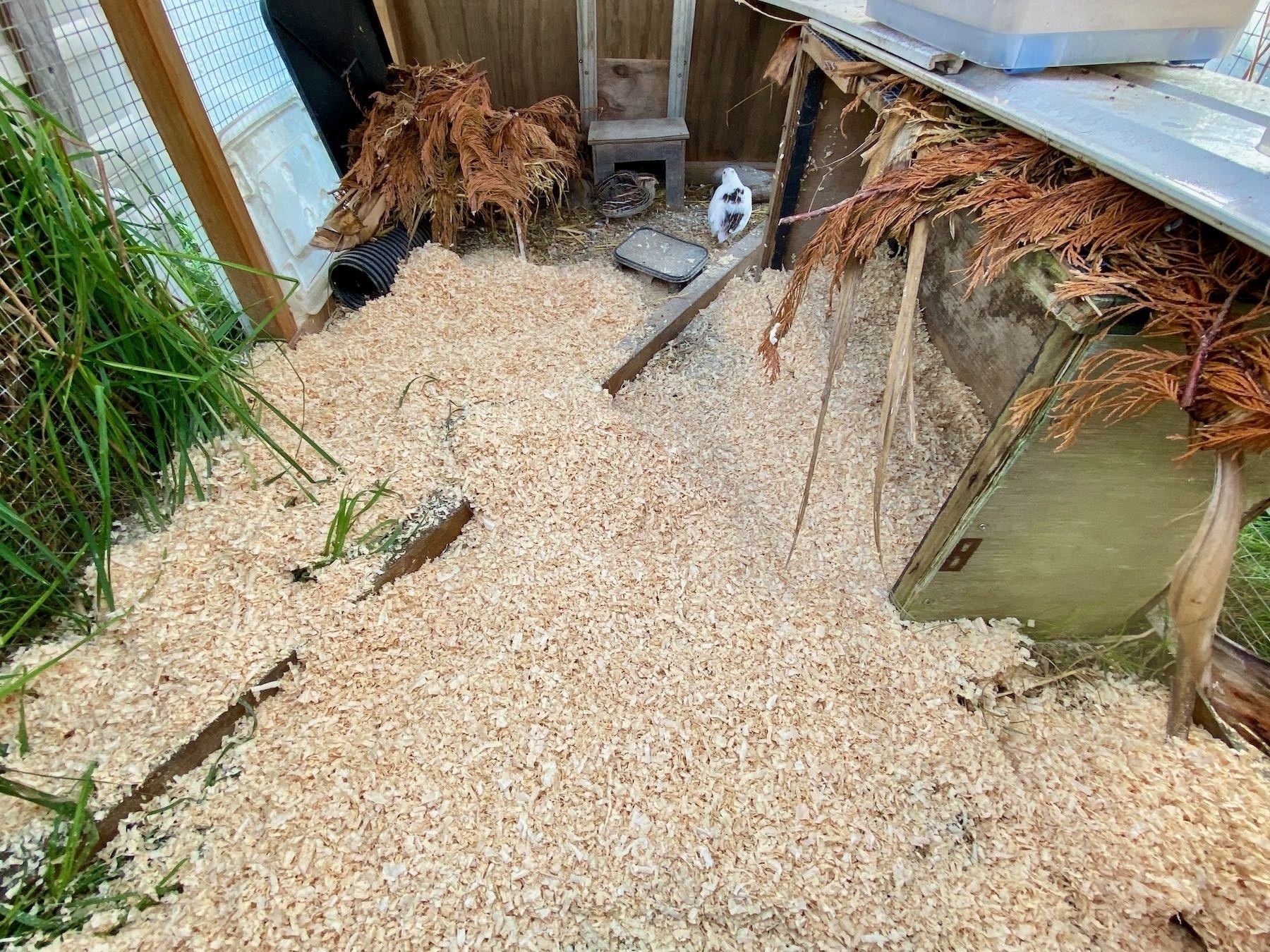
Having procured pine shavings today I replaced some of the dirty straw in the quail run with a nice deep layer of shavings. I hope Glee and Fliss enjoy it. Also stapled back on the plastic roofing that came adrift in the gales yesterday. All between rain showers.
Well, all the smart birds were snugged up in their little beds while I was trying to watch for them today. Wind, rain, cold are not conducive to bird activity. I did see 1 hawk, 3 magpies and a black-backed gull. A group of 5 birds rocketed by so fast I couldn’t identify them. 🐦