Today’s Stoic thought was “memento vivere”: remember to live. I took it to heart, ignored the rain, realised I could have an outing, with Deb home to deal with Sasha and the plumber, and took off to the Ngā Manu Reserve in Waikanae. I even got to drive on the new Expressway.
I learned so much from Dan Bailey's book about the Fuji X series cameras that his new Fujifilm Autofocus Course was an instant buy.
I'll walk you through the entire Fujifilm AF/MF system, show you all the features, settings and controls, teach you how to use them, and I'll even share invaluable shooting tips I've learned in my 26+ years as a pro outdoor action and adventure photographer.
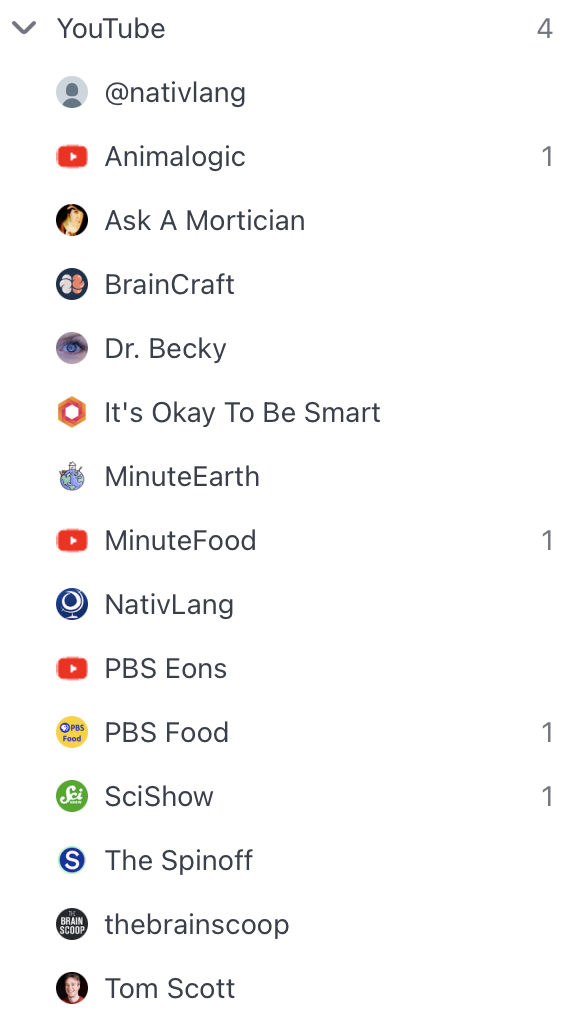
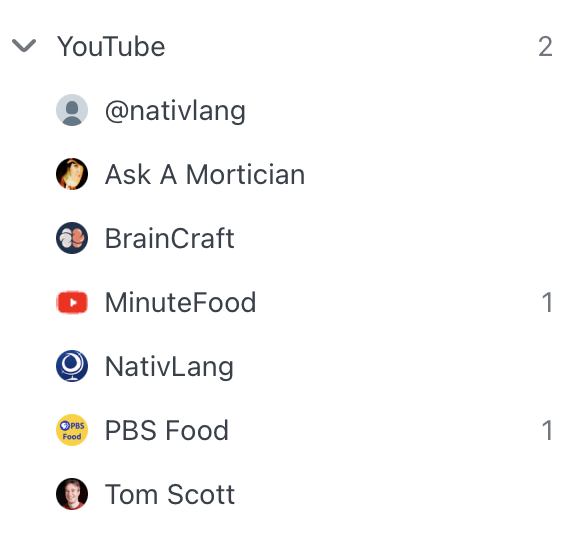
In a clean-up moment I admitted to myself that most of the sciency YouTube videos I was subscribed to via RSS I was no longer really enjoying. Also they may have filled in a few minutes but I wasn’t retaining any of the information. I slashed my list in half.
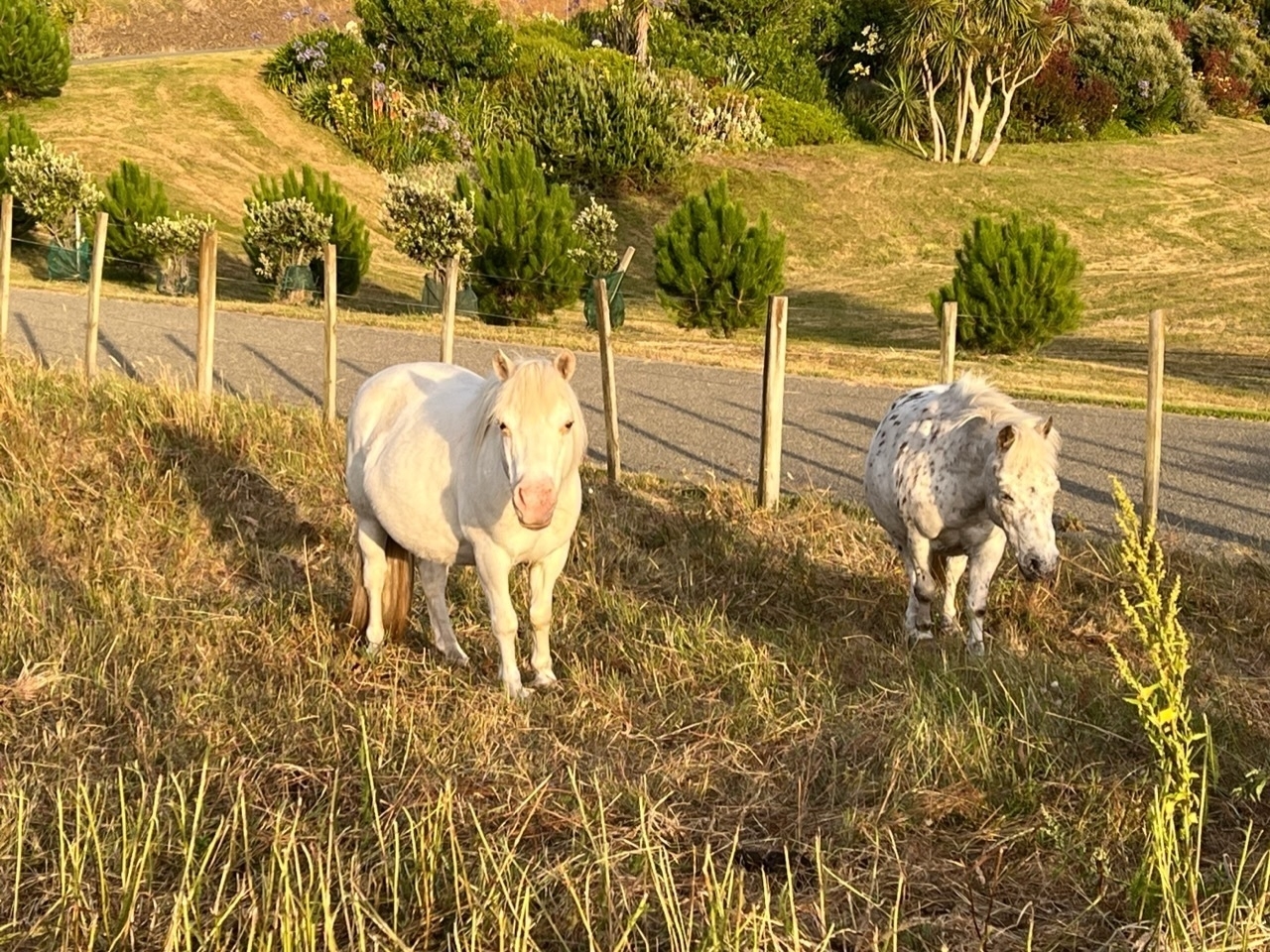
I love it when this mother and son pair come to graze in the paddock nearby.
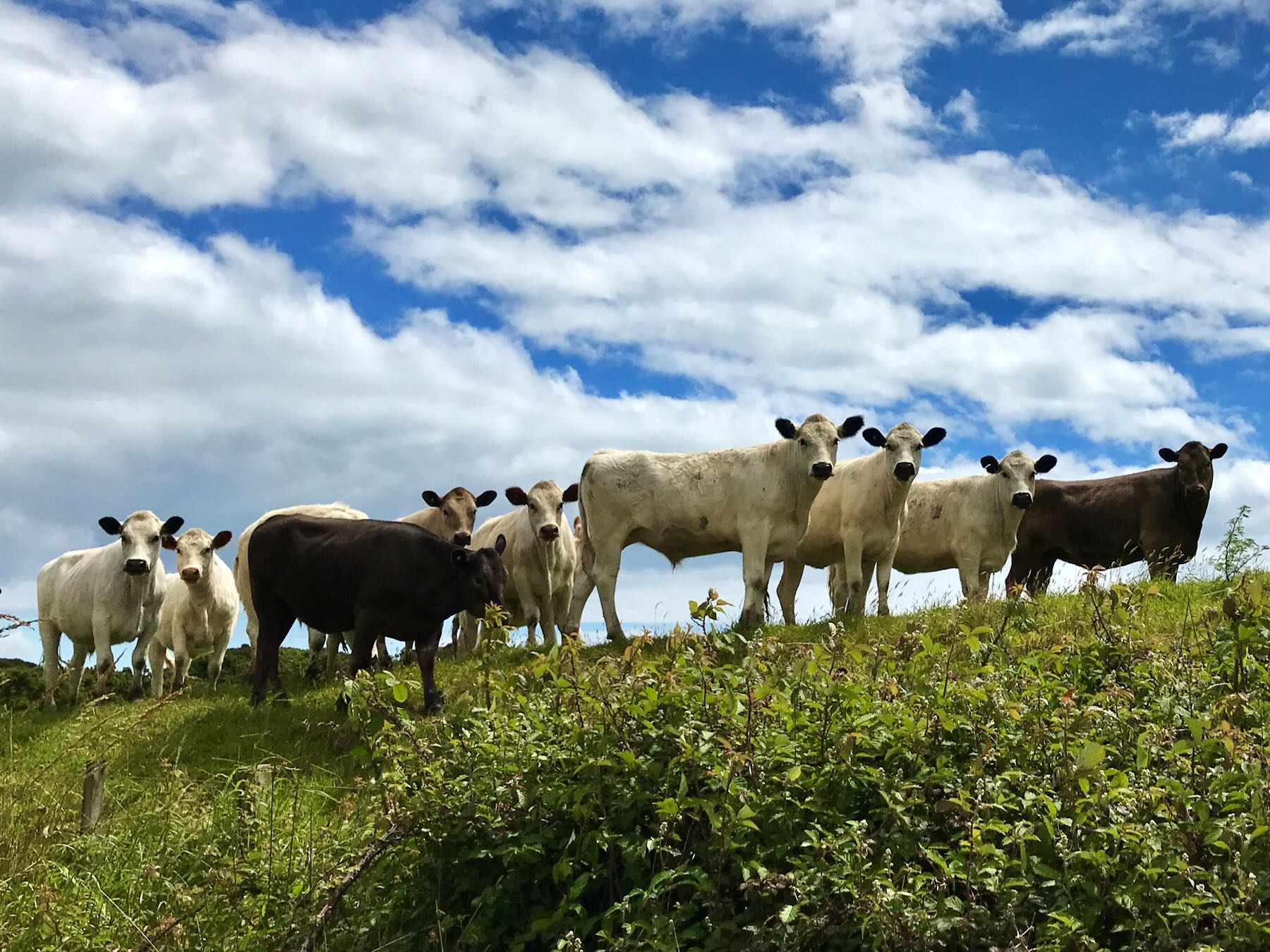
There’s a big block of land nearby that almost always has cows in it. Whenever I bike past I get a whiff of cow poop. I actually like that — it’s a good reminder that we live in a rural area. Back in November 2017 these cows were interested to watch me bike past. 🐮
Did a short beach walk: almost no birds — one pair of nesting Oystercatchers are hanging in there. Instead, as always at this time of year, loads of people, dogs and cars doing beach things. At this time of year it’s no longer ‘our’ beach. At least we get it the rest of the year.
Keyboard Maestro is a super useful Mac app
Keyboard Maestro is one of the must-have, first installed apps on my Mac. Why? Because it does so much for me: little things, bigger things, things that I could do just as well all by myself or some other way, but they’d take longer and be annoying.
There’s one actually useful Facebook page I sometimes want to visit. To do that I click a button on the KM Global Palette that sits in the top left of my screen. That’s easy: it just opens a web page in my default browser.
Another button takes text I’ve copied to the Clipboard and uses that text to search Amazon.com. That is especially handy when publishers use a service to hijack links in newsletters and send me to the Australian Amazon Store which I don’t want to use.
I have a couple of other similar buttons that open a daily set of web pages, plus a couple of documents, and two crosswords in Black Ink. I have a modified copy of that macro that I use on holidays when I prefer to omit a couple of the web pages and documents.
Every Sunday at 3.30 pm KM automatically opens a specific web page and Numbers document ready for me to record rainfall information and how much water is in our rainwater tank. It flashes up an alert on my screen to remind me to do the measurement.
A button on the KM palette allows me to enter the amount of rainfall in mm and converts it to litres of water added to the tank. The spreadsheet itself could do that conversion, but for various reasons I don’t always enter the exact amount the KM calculation returns to me. I prefer to be in control.
The Clipboard is an invisible kind of thing on the Mac. I have buttons on my Palette to display the Clipboard, clear the Clipboard, add text to the Clipboard, do maths on copied equations, search and replace the Clipboard, get the title and URL of a web page and put them on the Clipboard as a Markdown link. There’s so much you can do with the Clipboard in KM.
Oh, and I’ve set these up to be triggered by a button on a palette but actions can be triggered other ways too, such as with a hot key, or if something happens like plugging in a USB device, or at a specified time.
I’m fussy about how my screen looks. A keyboard command tells KM to put the front window in Safari in a particular location and to hide all other apps.
When I launch my jigsaw app KM automatically makes my screen brighter and hides the KM palette. When the jigsaw app quits, KM automatically dims the screen back to how it was before and puts that palette back.
I watch certain real estate listings and save the ad along with all the photos of the property. Saving those photos is mega tedious: Command Click, choose Save Image As, wait, click OK. That’s why KM does that for me. I haven’t figured out how to make KM move to the next image in the carousel so I do that myself and then press the trigger key to have KM do the next several steps. That’s a big saving of effort when there are 24 photos on a listing!
In MarsEdit I sometimes want to grab the link for a post I’ve published. ME itself gives me that raw link very easily, but I use KM to allow me to choose how I want the link: as a MD link, an HTML link, a plain text title and link…
Type some text into somewhere via a KM trigger — handy on those web pages that prevent you from pasting.
Type a long command into Terminal — I need to do this occasionally when I change Regions for watching TV.
Use Command 3 to attach items to a Mail message. I’m so used to using Command 3 in MarsEdit to add photos that I keep trying to add attachments that way in Mail. Now that works.
Eject my external backup drive and close the Time Machine window.
The thing is, Keyboard Maestro can do all sorts of amazing things and I don’t use it anywhere near its full potential. But every time I use one of those key commands or click a button on a palette it saves me a few seconds, some aggravation or sometimes some memory failures.
I put the command to Erase Junk in Mail on a button as sometimes my finger slips on the menu command and I erase Trash by mistake. KM doesn’t make such silly mistakes.
Above is just a sampling of my KM macros. It can remove tedium, add reliability, do tasks that would otherwise take numerous keystrokes. It allows you to set up palettes of buttons (like toolbars) so you can click to do something an app’s Toolbar might not include.
KM has a free trial and a demo video that provides a quick introductory overview. If you’re smart and are a member of TidBITS you’ll get a 20% discount on the KM price. TidBITS has offered thoughtful, detailed coverage of everything Apple for 32 years and is the goto place for definitive accurate and reliable information on things Apple.
Note: thanks to @Pratik who asked how I use Keyboard Maestro.
I don’t do reading lists and goals and all that, but have thought maybe I should deliberately include some additional variety in my 2023 reading. Hence: Books I might Read.
Update, 01-Jan-2025: looks like I deleted that page since the original post …
I do, however, have a page that lists books I have read.
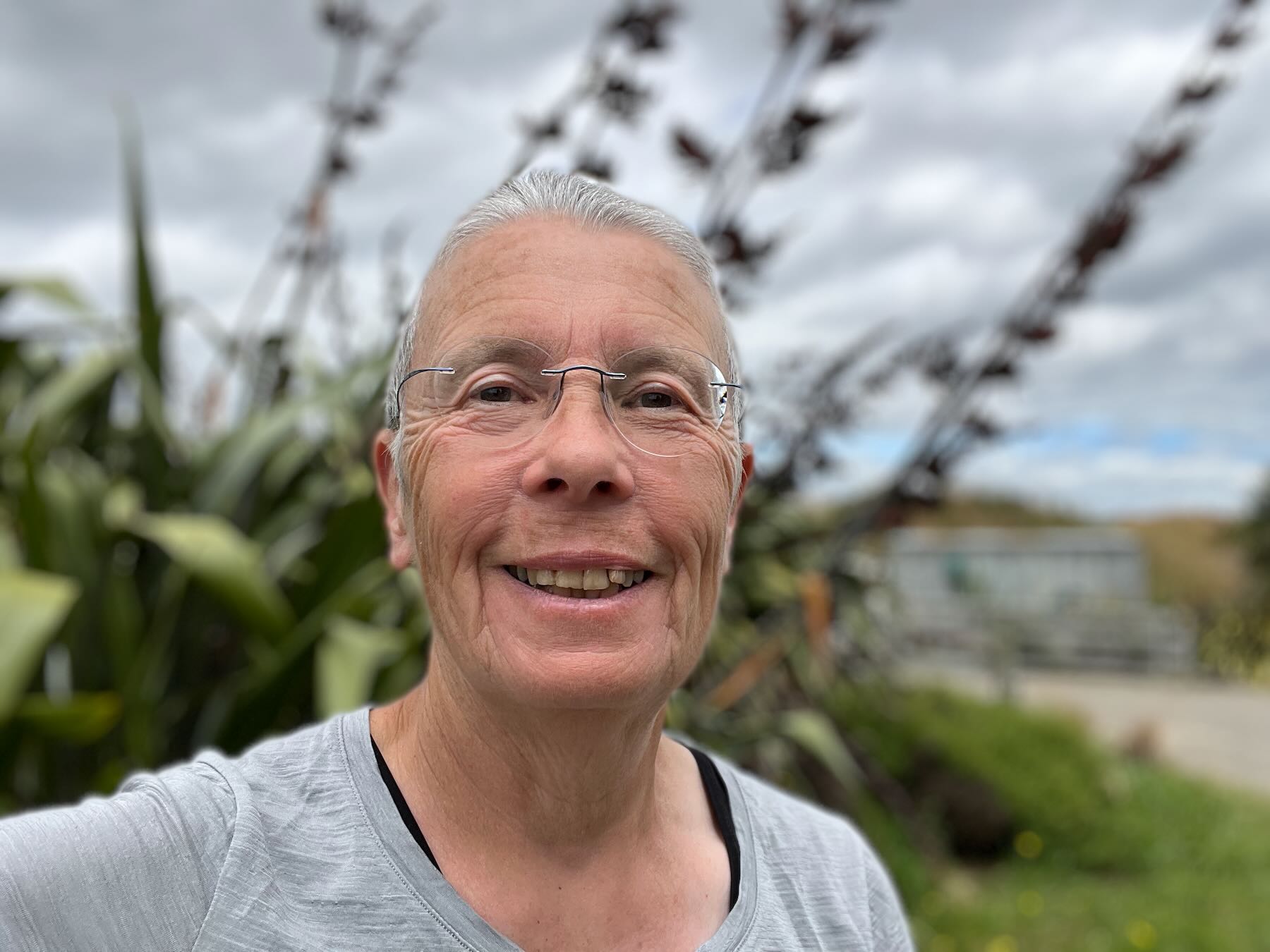
I started this Gregorian Calendar 2023 year with a dawn visit to the beach. But I was thinking I’d like to align my personal year with the Solstices and Equinoxes, so New Year would fall on 22 June 2023 with the local winter solstice. Or on 23 June… Pondering…
For the first time ever I tried recording video with my Fuji X-T2. This shifty looking character is either a South Island Pied Oystercatcher or a hybrid with the regular all-black Tōrea pango Variable Oystercatcher 🐦
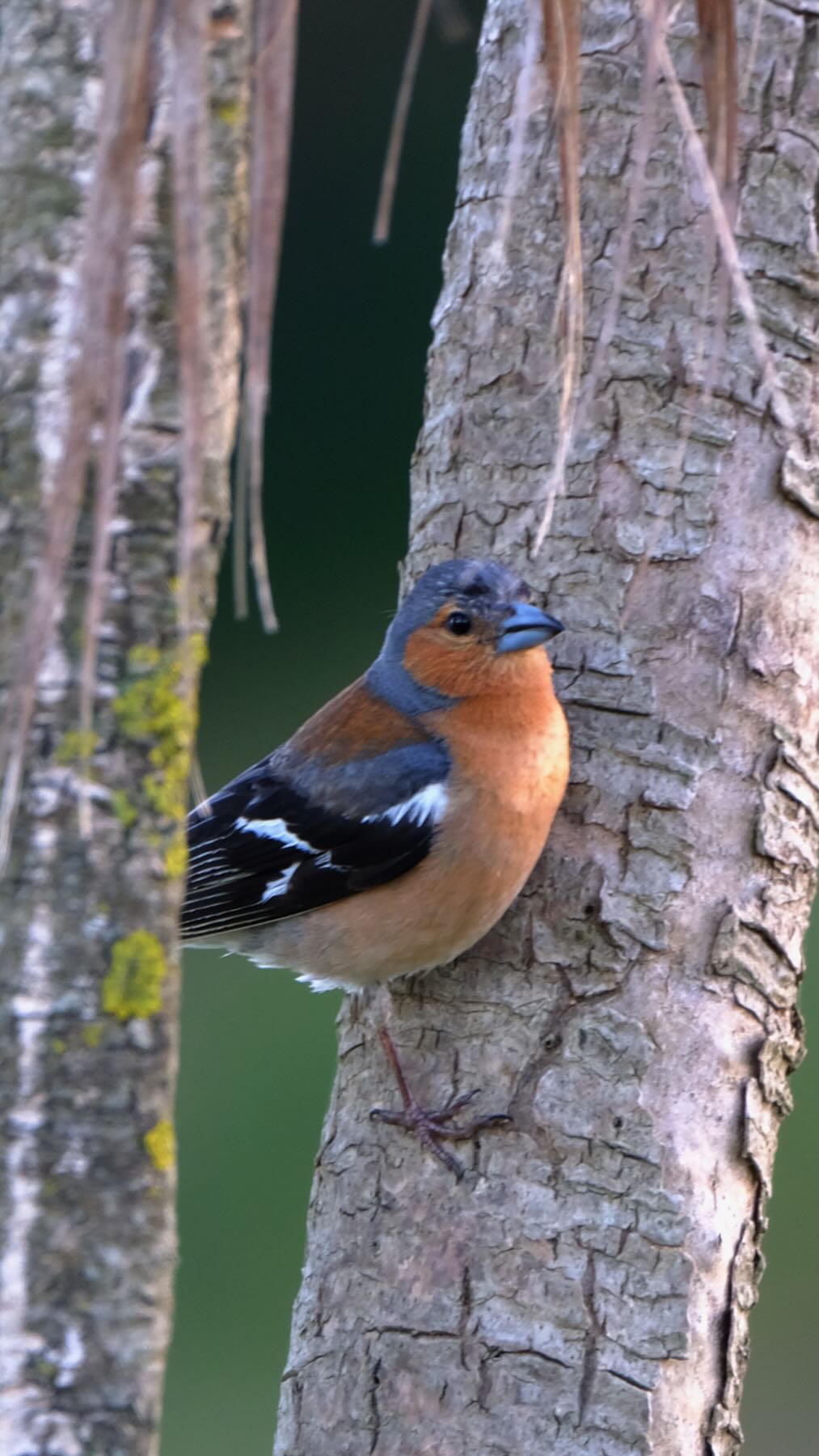
Mōrena. Welcome to 2023. Pahirini Chaffinch 🐦.
I’ve found The Happiness Lab podcast invaluable. Now Dr Laurie Santos has created The Science of Well-Being for Teens. Parents, you may be interested…
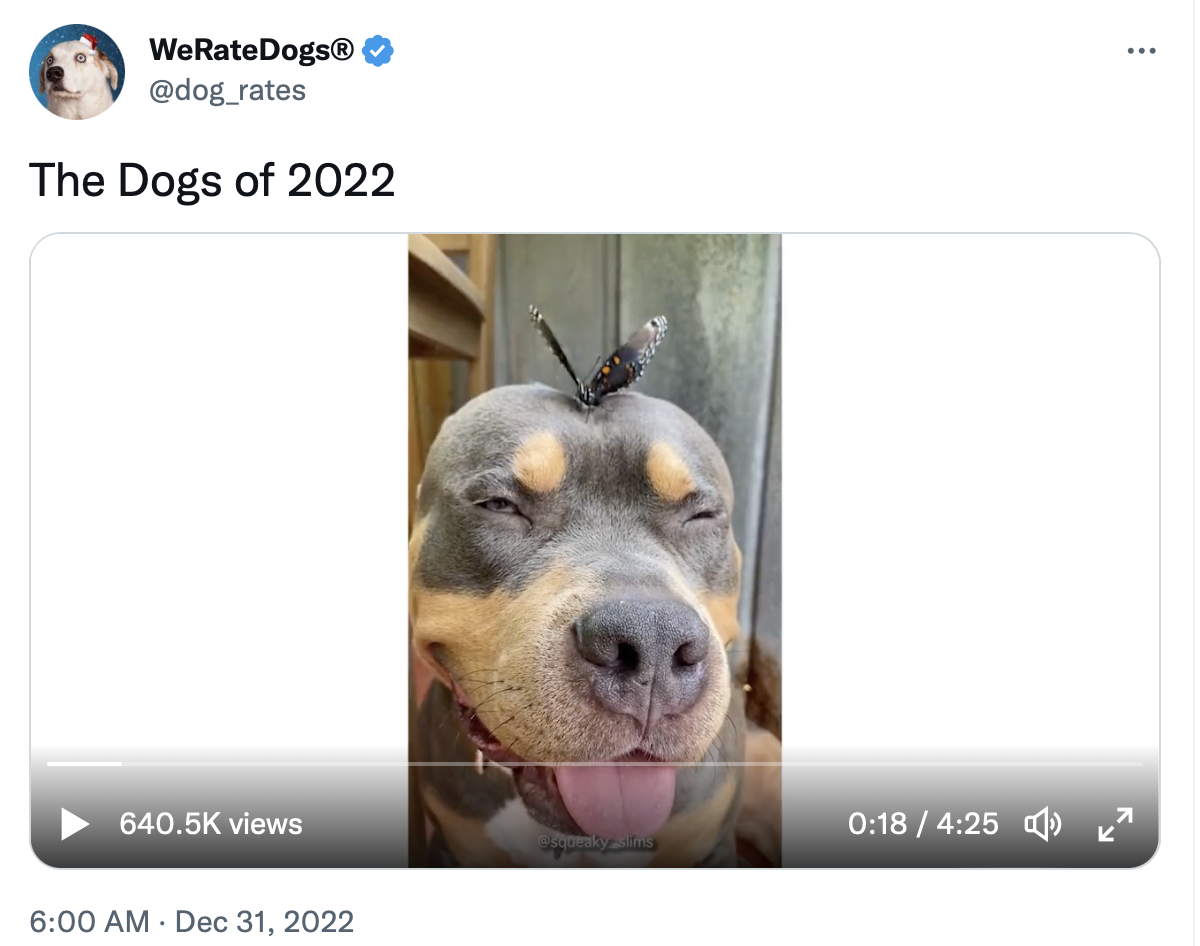
If you hate dogs look away. For the rest of us The Dogs of 2022 is four and a half minutes of delight. 🐶
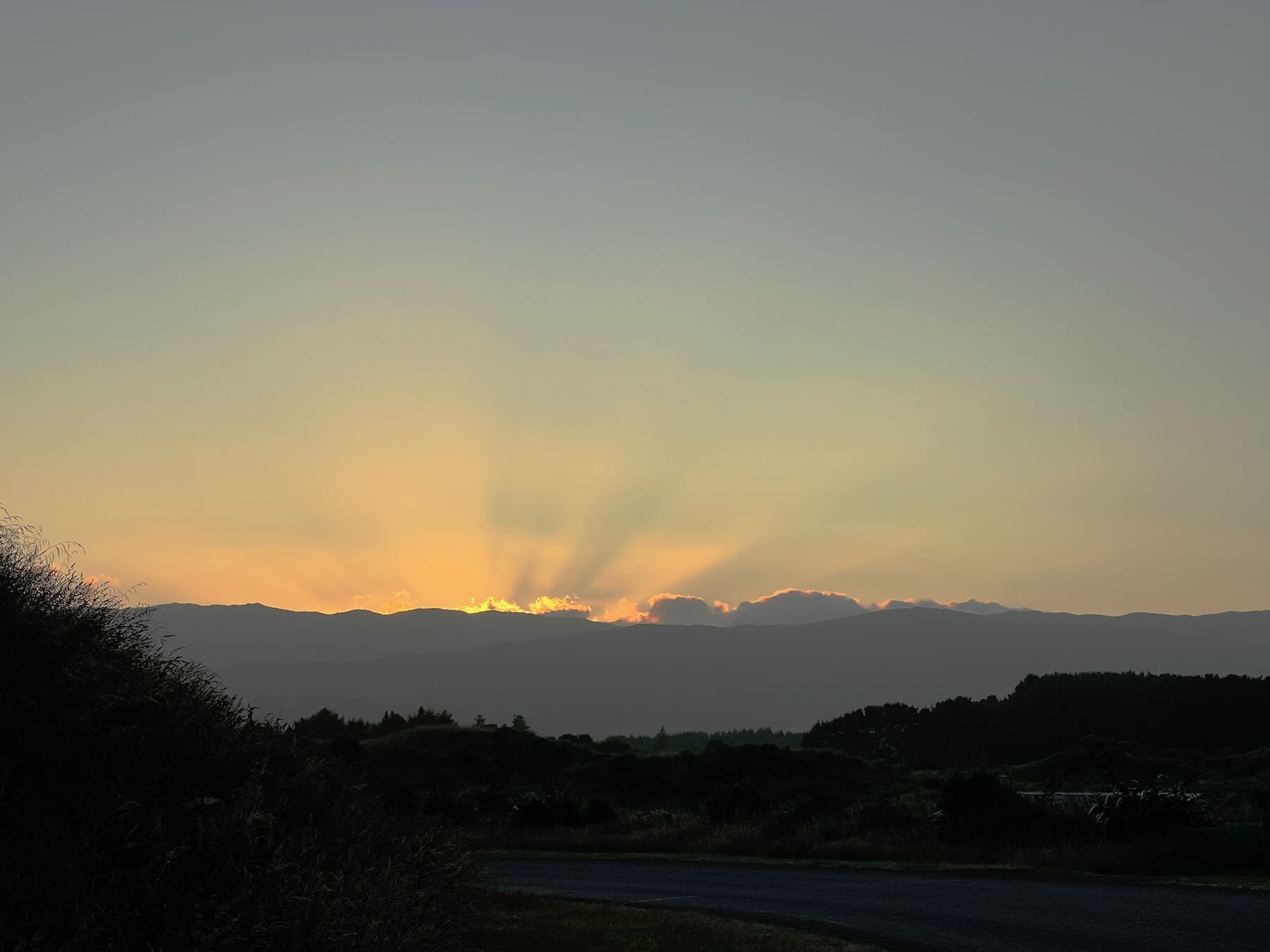
Sasha had me out taking her for a walk at dawn.
Solstice and Equinox dates for the next few years
Since I just looked this up for myself.
| Year | March equinox | June solstice | September equinox | December solstice | ||||
|---|---|---|---|---|---|---|---|---|
| 2022 | 21 March | 04:33 | 21 June | 21:13 | 23 September | 13:03 | 22 December | 10:48 |
| 2023 | 21 March | 10:24 | 22 June | 02:57 | 23 September | 18:50 | 22 December | 16:27 |
| 2024 | 20 March | 16:06 | 21 June | 08:50 | 23 September | 00:43 | 21 December | 22:20 |
| 2025 | 20 March | 22:01 | 21 June | 14:42 | 23 September | 06:19 | 22 December | 04:03 |
| 2026 | 21 March | 03:45 | 21 June | 20:24 | 23 September | 12:05 | 22 December | 09:50 |
| 2027 | 21 March | 09:24 | 22 June | 02:10 | 23 September | 18:01 | 22 December | 15:42 |
Source: Seasons: Dates of Spring, Summer, Fall & Winter. Note: times are for Paraparaumu, not far from Waikawa Beach.
I didn’t have my watch with me, but I got to spend maybe 20 minutes out admiring the warm, still, partly cloudy night while Sasha walked us around before finally having a pee at a quarter to one. 🐶
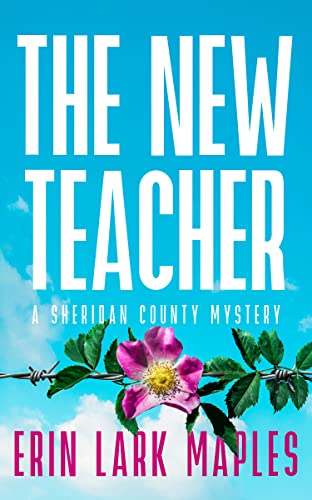
Another book from an author I quite like: The New Teacher (The Sheridan County Mysteries Book 1) by Erin Lark Maples. 📚
The story flows well, and I’m intrigued by a few American words I’m not familiar with.
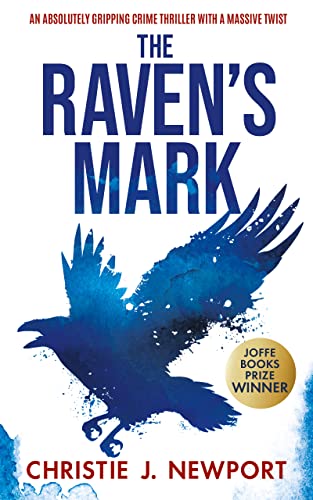
Hmmm, The Raven’s Mark by Christie J Newport just wasn’t really my thing. 📚
Beth must break all the rules to stop any more girls from suffering. But will her everything be enough to stop a sick murderer?
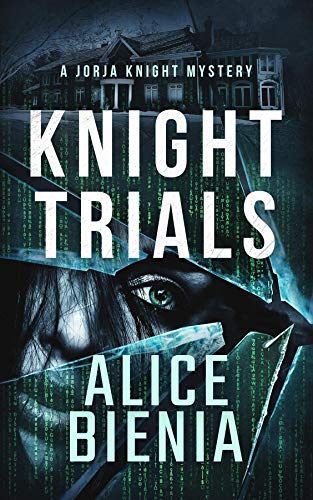
I quite enjoyed Knight Trials by Alice Bienia, though it felt a little tangled in parts. One page that sticks in my mind was a couple of paras of totally gratuitous tech jargon, presumably aiming to make a point. 📚