
I love the On This Day feature in Micro.Blog. I check mine every day. I’d completely forgotten that a year ago we had an earthquake big enough that I actually left the house.
// Thanks @cleverdevil.
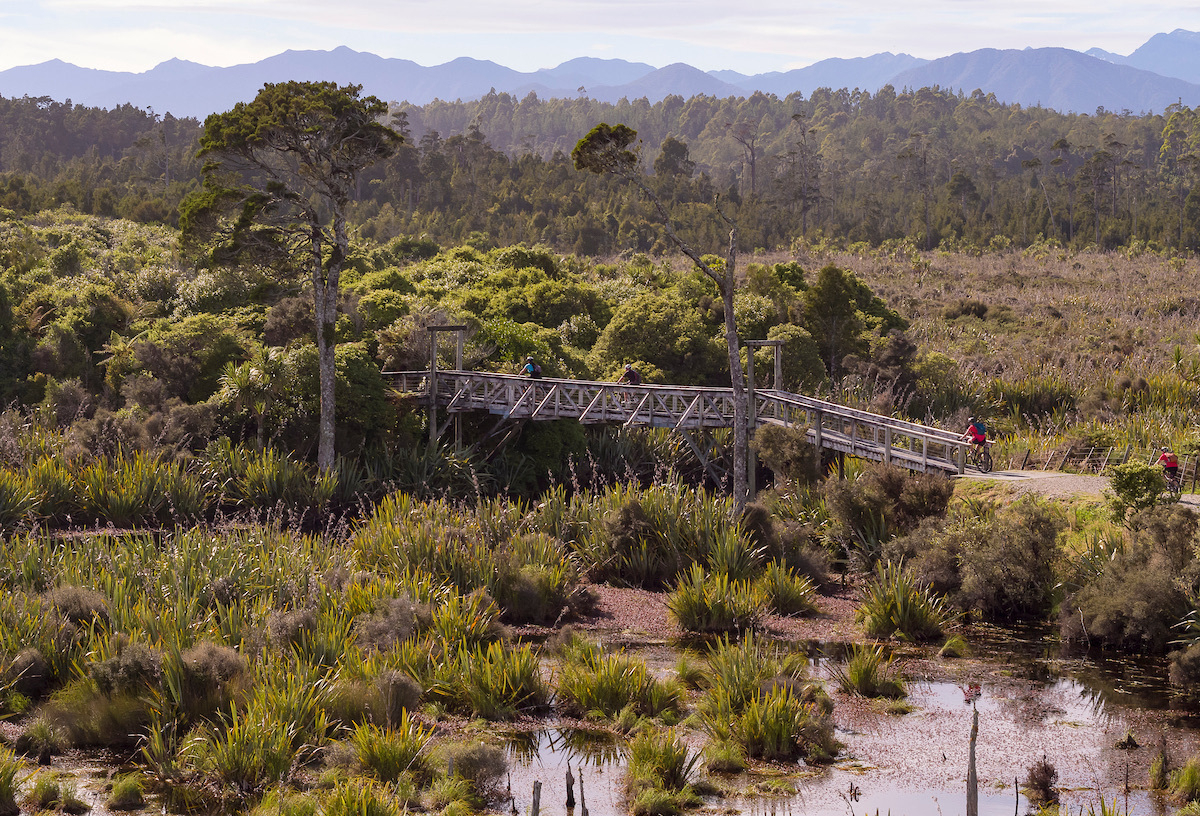
Thinking this might be a bike trip I could do next year: West Coast Wilderness Trail. A friend did it and said it was fabulous. The West Coast of Te Wai Pounamu (the South Island) is fabulous!
Concerned by events in [Western] Samoa: Live updates: Samoa’s political crisis deepens where the party voted out in a recent election has locked the winners out of Parliament. Samoa and Aotearoa New Zealand have very close relationships. I visited Samoa 3 times around 2000.
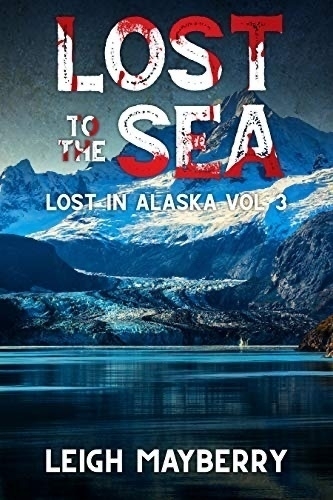
I enjoyed Lost to the Sea: A Cozy Mystery (Lost in Alaska Book 3) by Leigh Mayberry. Somehow the odd word choices and other ‘mistakes’ lend authenticity for me. I imagine the books are written by someone whose English differs from mine and it may not be their first language. 📚
Shocking news this afternoon that an office holder on a committee I’m on had a massive heart attack and passed away today. It can be so sudden folks — remember that. RIP.
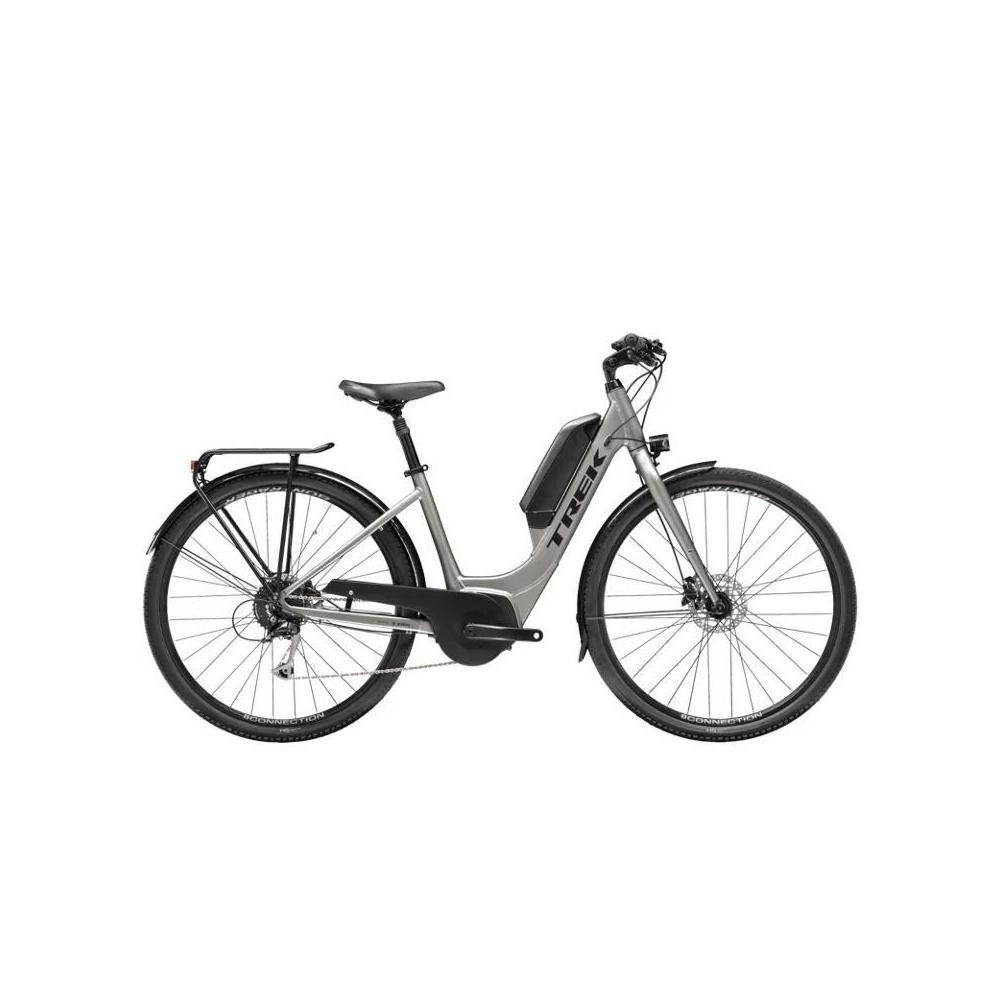
Well, Deb’s first outing on her new ebike was a success. I helped her learn how to stop and get off — something she’d been very nervous about. The bike barely goes into my MPV as the handlebars are high and wide. There won’t be room for both bikes so we’ll have to get a carrier.
Called in to Torpedo 7 in Palmerston North to buy a chain cleaning kit for my bike and came out with the kit plus a new Trek 2021 Verve+ 2 Lowstep ebike for Deb. Oops! 🚲
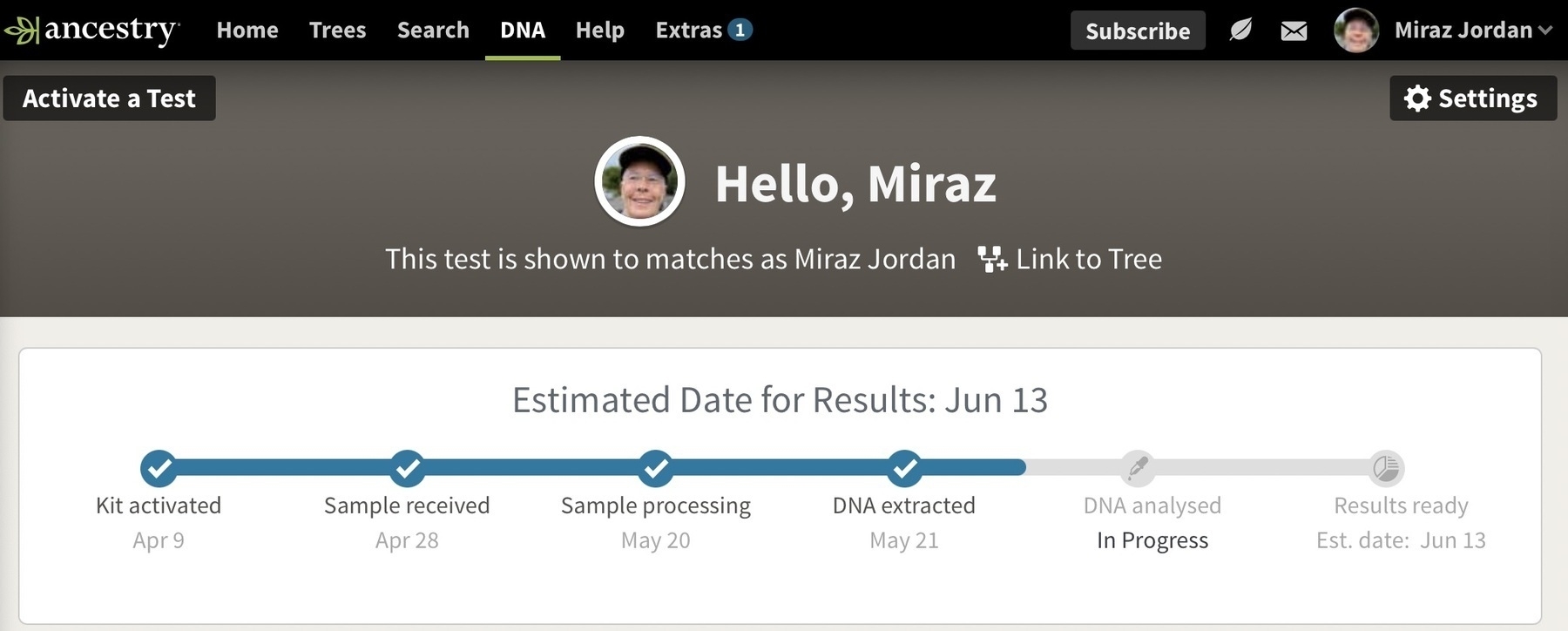
Back in early April Deb and I sent off Ancestry.com DNA tests. Finally the DNA is being analysed and we should have results in mid-June.
This week I’ve been less tired, had less brain fog and less blurry vision. In the best spirit of changing several factors at once I’ve (probably) been eating better, have started taking brisk walks on alternate days and have slashed the amount of chocolate I consume. 👍
Budget Day today in Aotearoa New Zealand and the Labour Government is committed to spending money in all the right places: improving health, housing, education, jobs and addressing (child) poverty along with climate change and things like rail and industry.
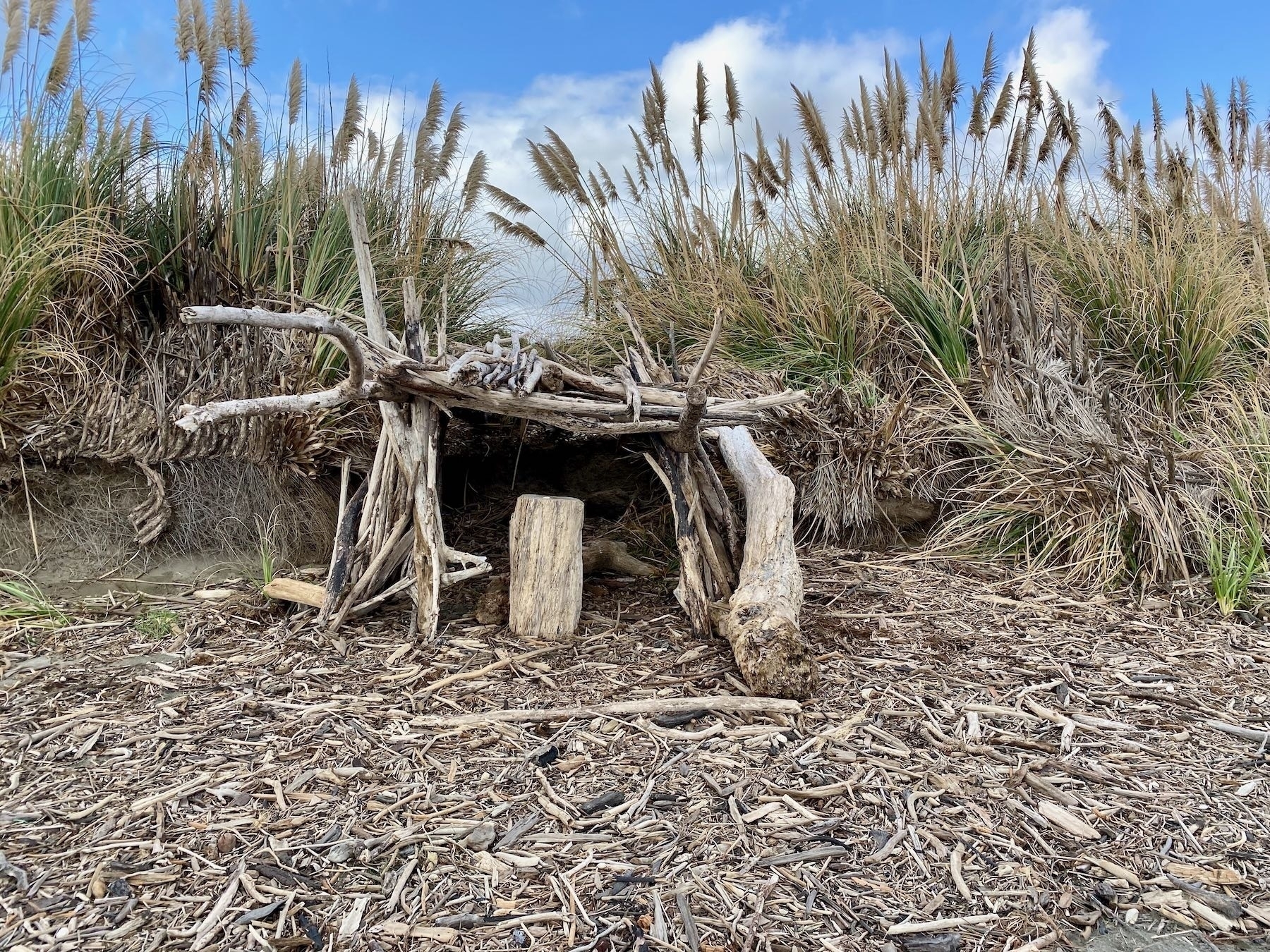
On my brisk walk today I spotted this impressive ‘beach whare’. I now realise another angle would have made a better photo. Whare (pronounced roughly far-ry) is the Māori word for house or shelter.
Ugh! Waikato Hospital enters third day affected by cyber attack:
cyber experts are working to isolate the problem and reset individual computer systems as quickly as possible, but they were complex systems.
the ransomware is now under police investigation.
Our local government organisations — Councils — use a system of geographic subdivisions called ‘wards’ that allow voting. There is debate about whether to establish “Māori wards”. Reading the submissions: one person thinks this is referring to hospital wards. Another thinks it’s referring to Māori ‘wardens’ — people who have a vaguely ‘police’ role within the Māori community. 🤦🏽
Heh, first some wanted to use CQD:
dash dot dash dot | dash dash dot dash | dash dot dot
This was a political process among the notable shipping nations of those times. At first they … provisionally agreed: CQD.
CQD, in Morse code: ▬ • ▬ • ▬ ▬ • ▬ ▬ • •
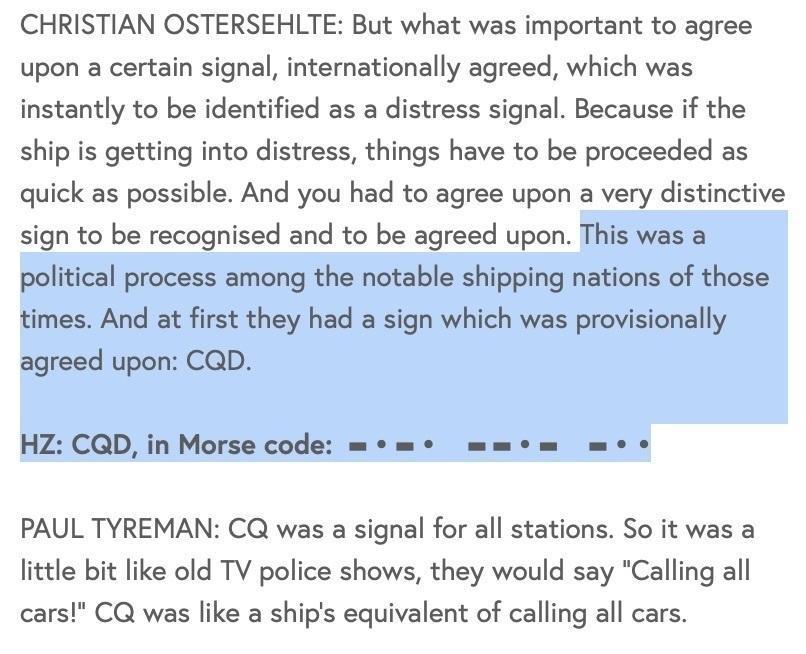
Fascinating 25 minute The Allusionist podcast episode: SOS:
SOS is a really versatile distress call. You … can tap it out in Morse code; you can honk it on a horn; you can signal it with flashes of light; you can spell it out on the beach with debris from your wrecked ship.
🧐 💭 What Chinese Philosophy Teaches us about the Good Life:
The heart of compassion is the sprout of humaneness. The heart of shame is the sprout of propriety. The heart of deference and yielding is the sprout of ritual. The heart of right and wrong is the sprout of wisdom.
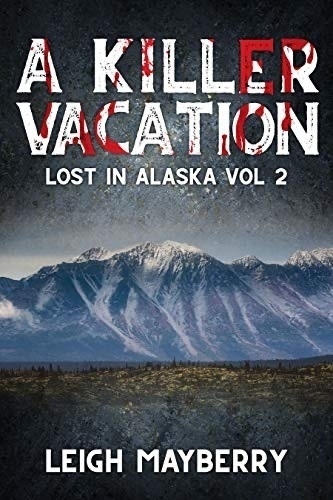
Another Leigh Mayberry cozy enjoyed, with its endearingly odd language: A Killer Vacation: A Cozy Mystery (Lost in Alaska Book 2) 📚:
Paul Coleman wasn’t a nice guy, and the deeper Meghan digs, he might not even be one of the good guys. This is not the vacation she hoped for.
Today’s village - beach loop walk added resistance training into the mix, courtesy of winds gusting up to 78 Kph at our place, probably more on the beach. I’ve also been liberally coated in sand. Still, when it wasn’t a head or side wind my speed was slightly higher.
👍: Wellington dogs to swap plastic tags for metal 🐶:
Wellington’s wagging goodbye to plastic registration tags for dogs in a bid to cut down on waste.
… replaced with a single metal tag that should last a dog’s lifetime - … owners will still have to pay fees annually.
Super busy day today. We had 17.5 mm rain: hooray! I’m making progress at line dancing: hooray! Arrangements to launch the new local Little Free Library are falling into place: hooray!